
If you are handling procurement or helping finalize the hardware for an automation project, confusing these two can lead to budget overruns or software compatibility headaches. The distinction between them isn’t just about screen resolution or price—it comes down to the control architecture your team is using.
Here is a practical breakdown of how the Omron NB and NA series differ, what drives the cost, and what you need to watch out for when sourcing them.
The NB Series: The Cost-Effective Standard
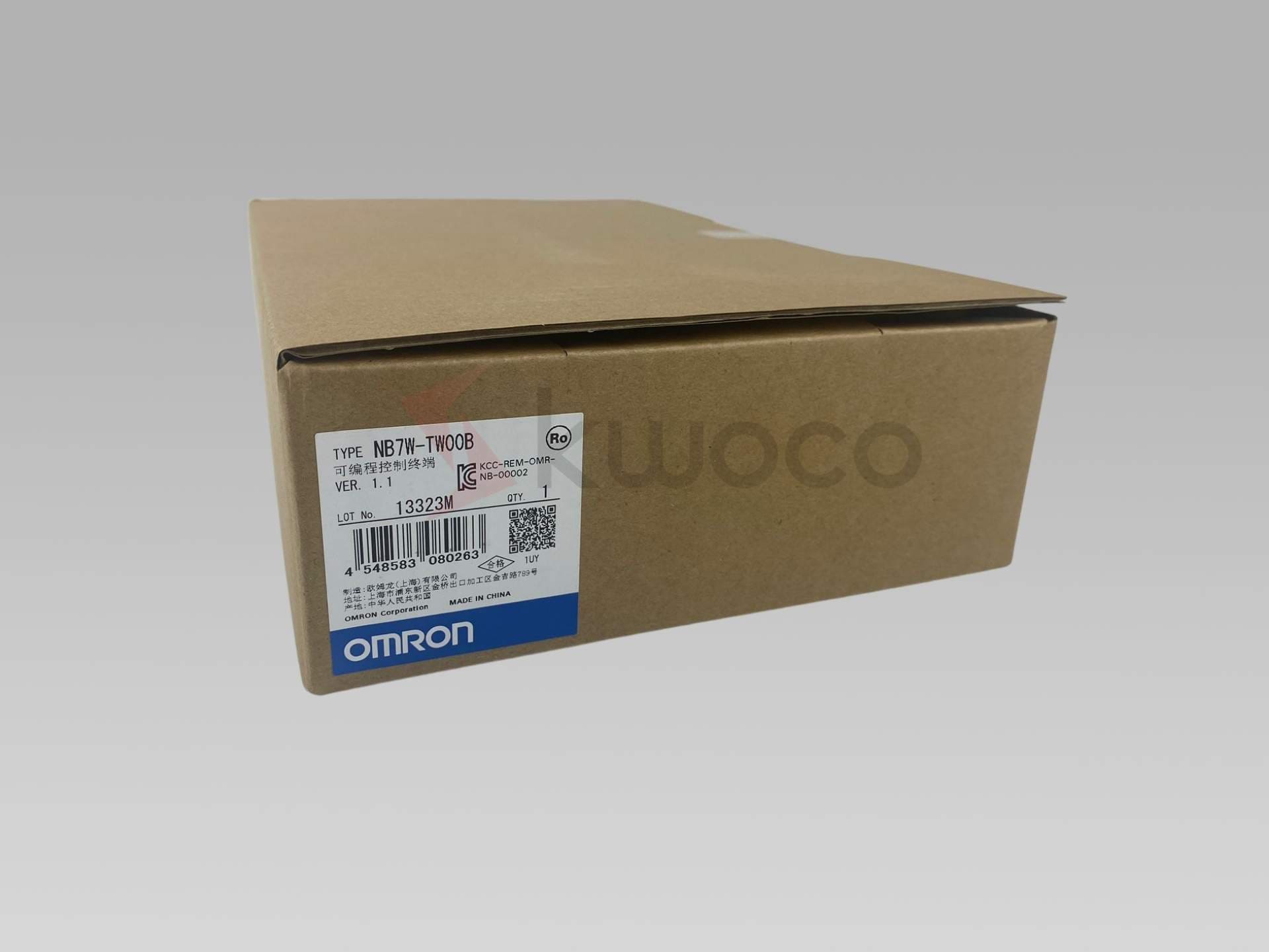
The NB series is Omron’s basic, reliable workhorse. You will typically see this specified for standalone machines, packaging equipment, or simpler manufacturing cells.
From an engineering perspective, it does exactly what a standard HMI needs to do. It handles alarms, recipes, and basic data logging. From a purchasing perspective, the NB series is highly attractive because it is budget-friendly.
A detail that buyers often overlook but engineers care deeply about: the software used to program the NB series (NB-Designer) is completely free to download. There are no ongoing licensing fees to factor into your project costs. If your equipment uses Omron’s CP series micro PLCs (like the CP1E or CP2E), the NB is usually the default pairing.
The NA Series: The Advanced Sysmac Interface
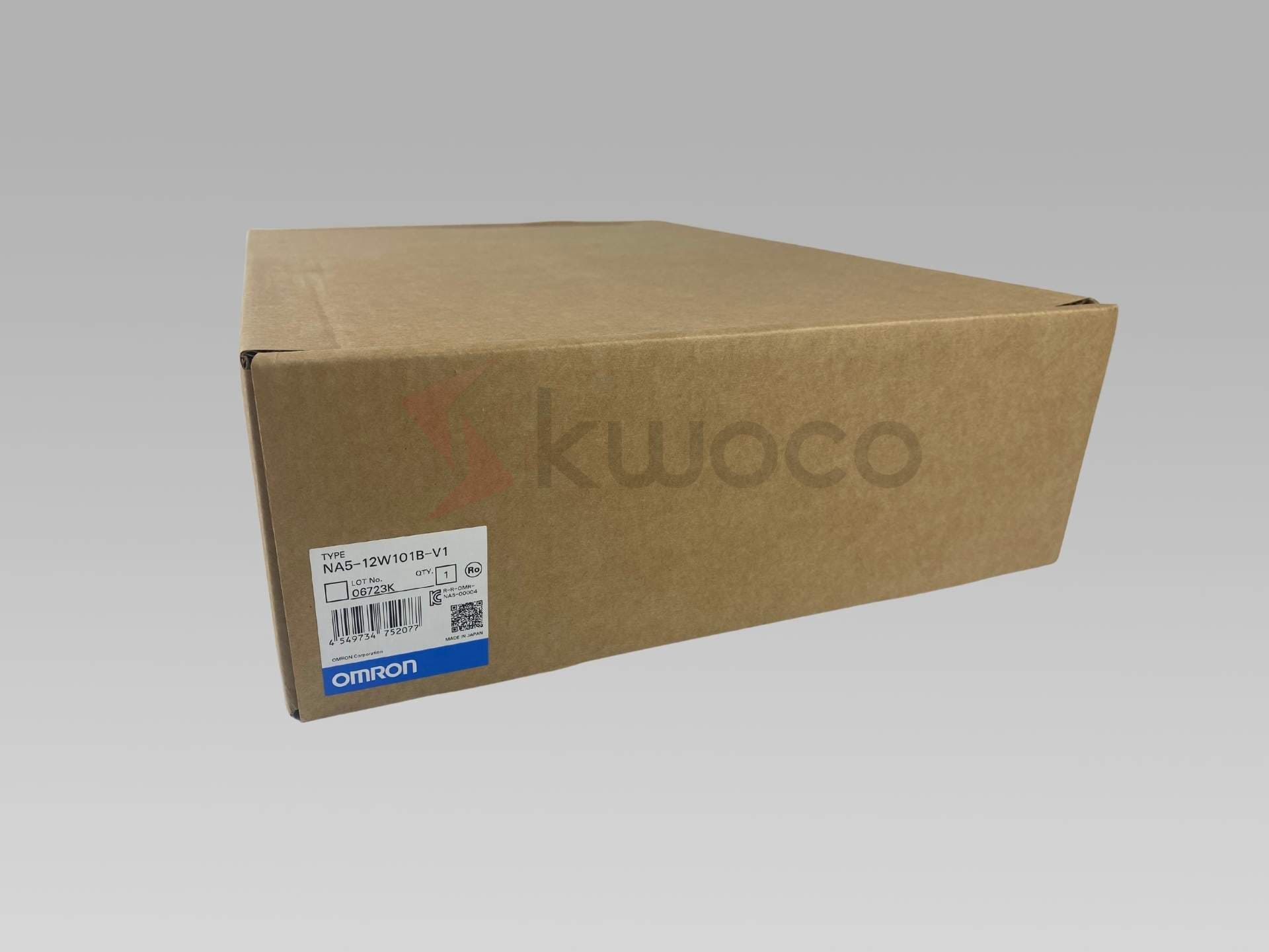
The NA series sits at the higher end of Omron’s portfolio. It wasn’t designed just to be a screen; it was built specifically as the visual interface for Omron’s Sysmac automation platform.
You’ll see the NA specified on complex, high-speed machines, often alongside Omron NJ or NX series machine controllers. The hardware itself is noticeably different. The screens are high-resolution, widescreen formats that support multimedia, PDF viewing, and remote access features right out of the box.
Because it is part of the Sysmac family, it doesn’t use standard standalone software. It requires Sysmac Studio. For programmers, this is a massive time-saver because the PLC and the HMI share the exact same database—if you create a tag in the PLC, it’s instantly available for the HMI. However, Sysmac Studio requires paid licenses. If you are doing a quick replacement or an upgrade, you need to ensure the engineering team already has an active Sysmac Studio license that supports the HMI module.
Where Projects Hit Snags
The most common issue we see isn’t hardware failure; it’s a mismatch in the project phase.
Sometimes an initial estimate is built assuming the cost of an NB series, but the engineering team later upgrades the PLC to an NX controller and expects the HMI to follow suit. The price jump from an NB to an NA is significant, and it can catch procurement teams off guard.
Another sticking point is hardware revisions. The NA series ties closely with specific versions of Sysmac Studio. If you are sourcing a replacement panel for a machine built five years ago, getting a newer hardware revision might require the maintenance team to update their software. It is always a good idea to confirm the exact part number and version requirements before issuing the PO.
Sourcing Considerations and Lead Times
Standardizing on automation parts is great until supply chain disruptions hit. While NB series panels are generally easier to find on shelves, specific sizes of the NA series can sometimes carry longer factory lead times, especially when demand spikes for the broader Sysmac product family.
When you have to source these panels from the open market to meet a tight project deadline, verifying the condition is critical. Buyers often worry about receiving refurbished units disguised as new, or “new” stock that has been sitting in a damp warehouse for years with degraded screens.
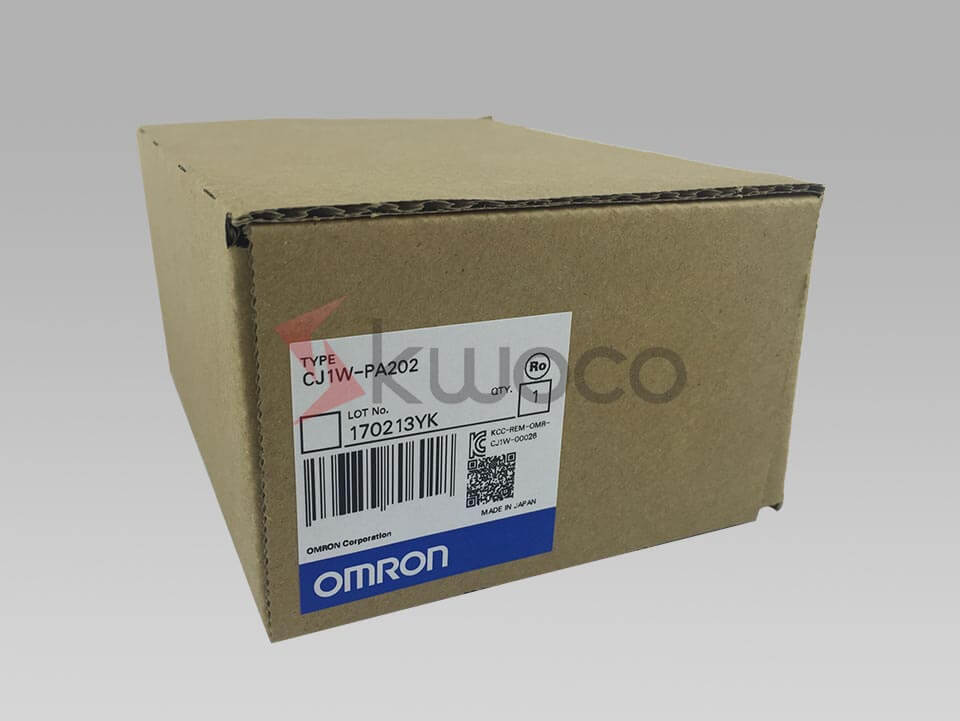
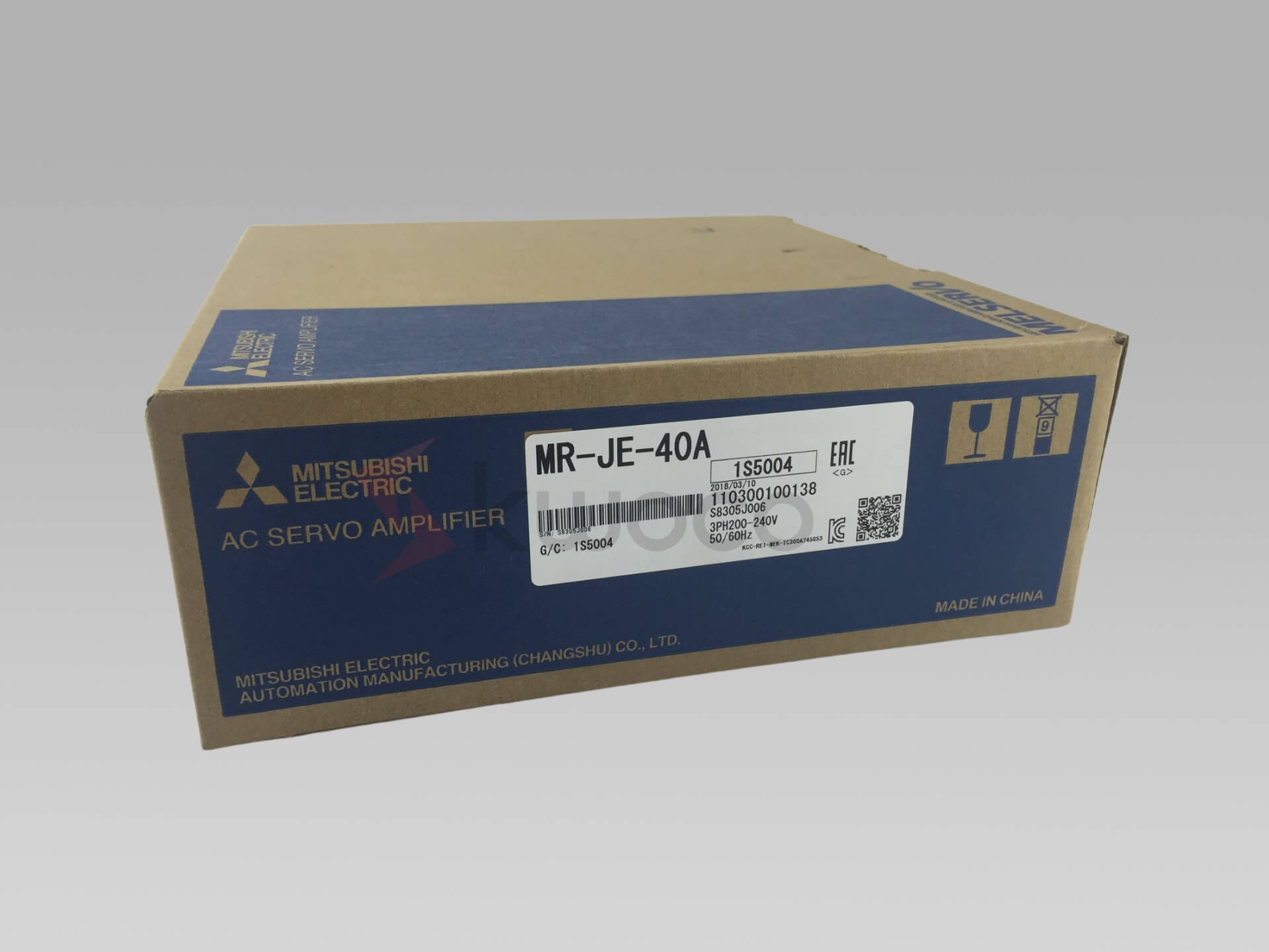
If you are dealing with mixed-brand projects or struggling to find factory-sealed Omron panels locally, KWOCO is set up to handle exactly these kinds of RFQs. We supply brand-new, original automation components—including Omron, Mitsubishi, and Schneider—and we routinely provide carton photos and factory seal verification before shipping. This helps procurement teams source with confidence, bypassing lead-time bottlenecks without risking project integrity.

Comprehensive Guide to DC Motor and Controller
This comprehensive guide delves into the intricacies of DC drives, essential components in various industrial automation and motion control systems. Understanding DC drives is crucial for anyone involved in designing, operating, or maintaining systems that require precise control of motor speed and torque. Whether you are looking to enhance your knowledge or choose the right DC drive for your application, this guide provides the insights you need.
A Buying Guide for Mitsubishi PLCs
Are you feeling confused about choosing the right Mitsubishi PLC for your project? It’s normal to feel overwhelmed when faced with numerous models and specifications.
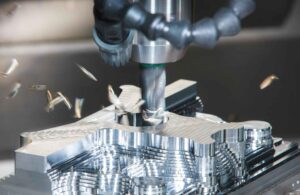
CNC Machine Mastery: Understanding the Crucial Difference Between Feed Rate and Spindle Speed
This article dives deep into the intricacies of CNC machining, specifically focusing on two critical parameters: feed rate and spindle speed. While seemingly simple, understanding the difference between feed rate and spindle speed is fundamental for anyone involved in CNC operation, from novice machinists to seasoned professionals. These factors are essential to achieving optimal efficiency, precision, and tool life in various CNC machining processes. With my experience in CNC Machines and Manufacturing plants, I aim to share insights that demystify these concepts.