
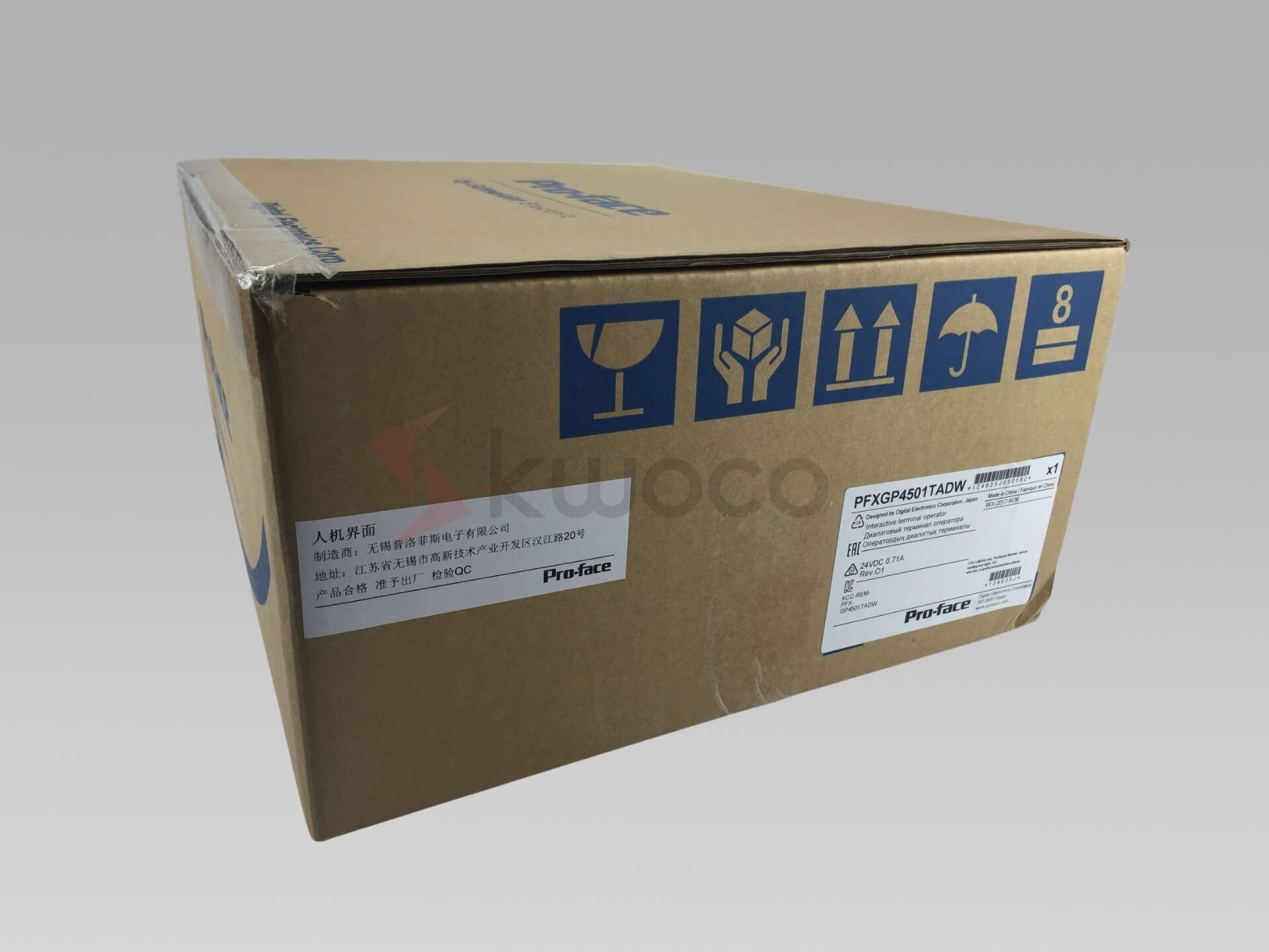
Include the full model from the rear label, the PLC model and a photo of the panel opening. Tell us which serial ports are in use and whether you need mounting hardware or a cable.
Pro-face PFXGP4501TADW 10.4-inch HMI
The GP-4501TW is a 24 V DC operator panel with a 10.4-inch VGA display. It provides separate serial ports for RS-232C and RS-422/485, plus Ethernet for a networked PLC connection.
Request a quote by email
Usually quoted within 24 hours. Price and lead time confirmed by email.
We use your details to respond to this inquiry. Privacy policy ↗
PFXGP4501TADW specifications
| Manufacturer / Model | Pro-face GP4000 / GP-4501TW |
|---|---|
| Part number | PFXGP4501TADW |
| Display | 10.4-inch TFT color LCD, 640 × 480 pixels |
| Display area | 211.2 × 158.4 mm |
| Power | 24 V DC nominal, 19.2–28.8 V DC, 17 W maximum |
| Serial interfaces | COM1 RS-232C and COM2 RS-422/485, both 9-pin D-sub |
| Ethernet | One RJ45 port, 10BASE-T / 100BASE-TX |
| USB / Storage | USB Type-A, USB mini-B and one SD card slot |
| Panel opening | 301.5 × 227.5 mm, +1/−0 mm in each dimension |
| Panel thickness | 1.6–5 mm |
| Overall dimensions | 315 × 241 × 56 mm (W × H × D) |
| Condition | New original product |
| Warranty | 12-month KWOCO warranty |
Check the panel opening and PLC connection
Plan the mechanical fit
Measure the rectangular opening in the cabinet door and the panel thickness. The opening is smaller than the 315 × 241 mm front outline. Allow additional depth beyond the 56 mm housing for plugs and cable bends.
Prepare the screen project
Confirm that the target in GP-Pro EX is GP-4501TW. Save a copy of the machine project and record the PLC driver, communication parameters and device addresses before removing the installed panel.
Frequently asked questions
Does the W suffix mean this is a widescreen display?
Pro-face specifies 640 × 480 pixels for PFXGP4501TADW, a 4:3 display. Use GP-4501TW as the project target when checking an existing screen layout.
Which port should I use for an RS-485 PLC?
Use COM2 for RS-422/485. COM1 is for RS-232C. Before reusing a cable, check the PLC driver, pin assignments and communication settings.
Will the front dimensions tell me whether it fits my cabinet?
Measure the opening behind the bezel. Compare it with the specified 301.5 × 227.5 mm cutout and check door thickness, corner radii and cable clearance against the manufacturer’s drawing.
Have Questions or Need a Quick Quote?
✓ New original products only
✓ 12-month warranty for all products
✓ Fast delivery to the USA, Europe and worldwide