
I have seen many buyers start with a simple question:
“Can you offer this Omron servo drive?”
But after checking the application, we often find that the drive is only one part of the whole servo system. If the motor, controller, cable, or communication method does not match, the machine may not run correctly even if the drive itself is brand new.
This guide explains how to choose an Omron servo drive in a practical way, especially for engineers, maintenance teams, and purchasing managers who need to avoid costly mistakes.
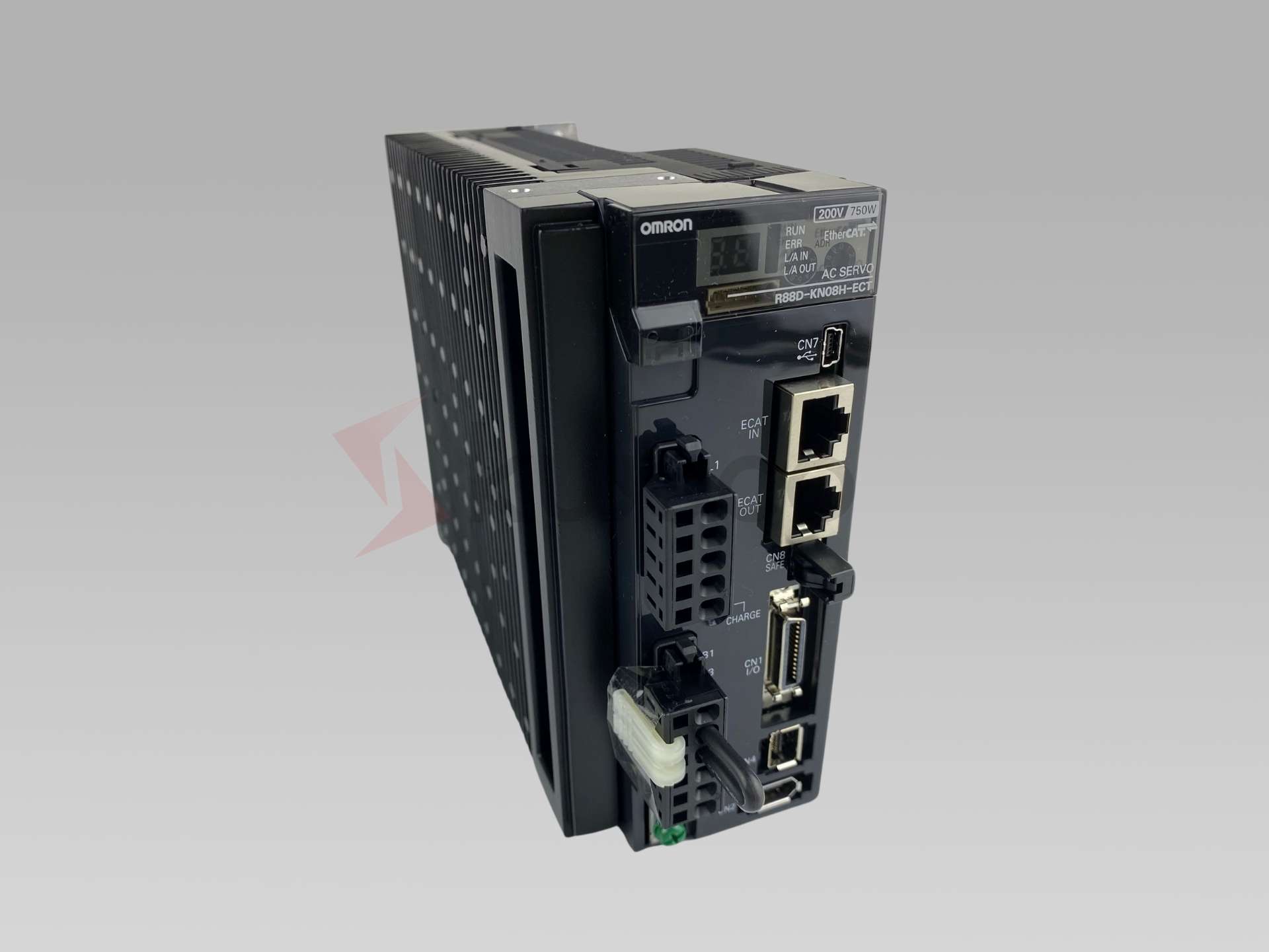
Omron positions servomotors and servo drivers for high-speed, high-precision control applications, and some models are available with built-in EtherCAT communication.
1. Start with the Machine, Not the Drive
The first step is not to ask, “Which servo drive is cheaper?”
The better question is:
“What does the machine need this axis to do?”
A servo drive controls the motor, but the motor has to move the real load. That means you should first understand the mechanical requirements:
What is the load weight?
How fast does it need to move?
How quickly does it need to accelerate and stop?
Is the axis horizontal or vertical?
Does it need high positioning accuracy?
Is there a gearbox, ball screw, belt, rotary table, or direct coupling?
How often does the motion repeat?
For a new machine design, motor sizing should normally come before drive selection. Omron’s Motor Sizing Tool is designed to help select the proper motor and drive based on mechanical structure, operating patterns, mass, reduction ratio, inertia, and torque calculation.
For replacement or maintenance, the process is different. You usually start from the existing model number on the servo drive or motor nameplate. In that case, the safest approach is to check the exact model, power supply, motor compatibility, and cable connection before purchasing.
2. Confirm the Servo Motor First
In most Omron servo systems, the servo drive should be selected according to the servo motor.
The motor determines the required output power, encoder compatibility, rated speed, brake option, inertia type, and connector type. If the motor and drive do not match, you may face setup errors, communication faults, encoder problems, or unstable motion.
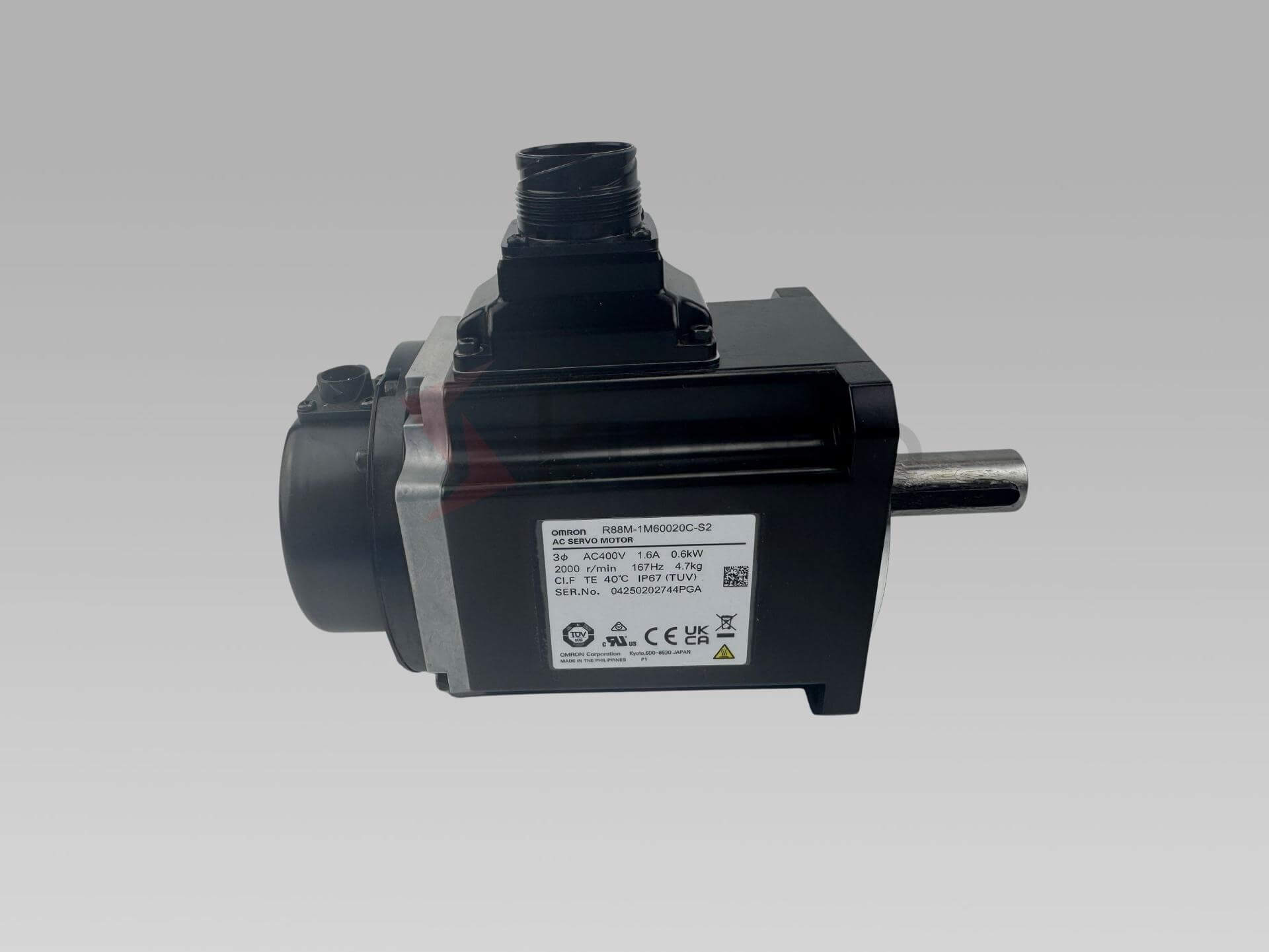
For example, if your motor is 400 W, you normally need a compatible 400 W drive from the same servo family. If the motor has a brake, the drive and wiring must support the brake circuit correctly. If the motor uses an absolute encoder, the drive must support that encoder type.
For a new design, choose the motor based on torque and speed requirements first. Then select the matching drive.
For a replacement project, check both labels:
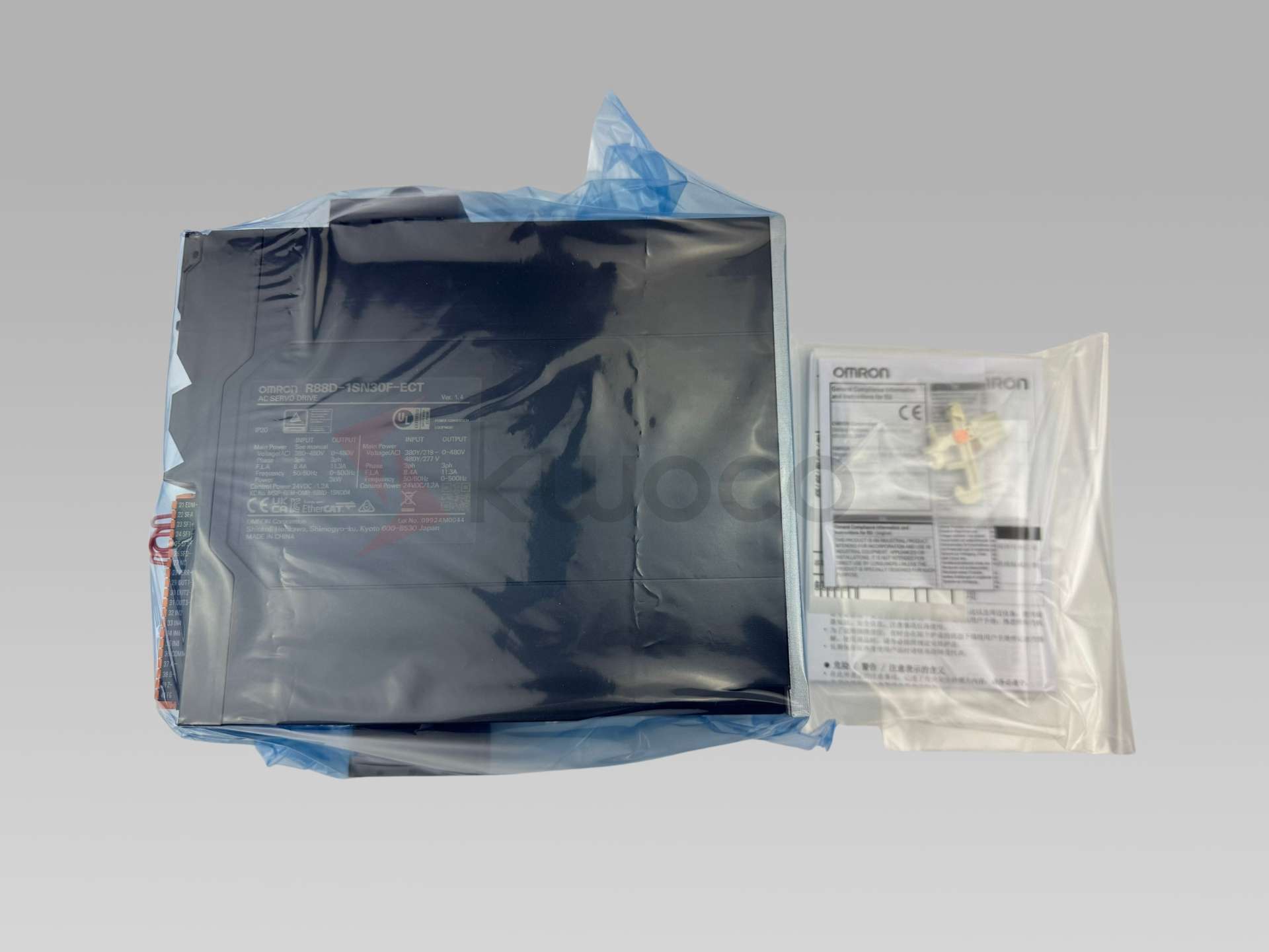
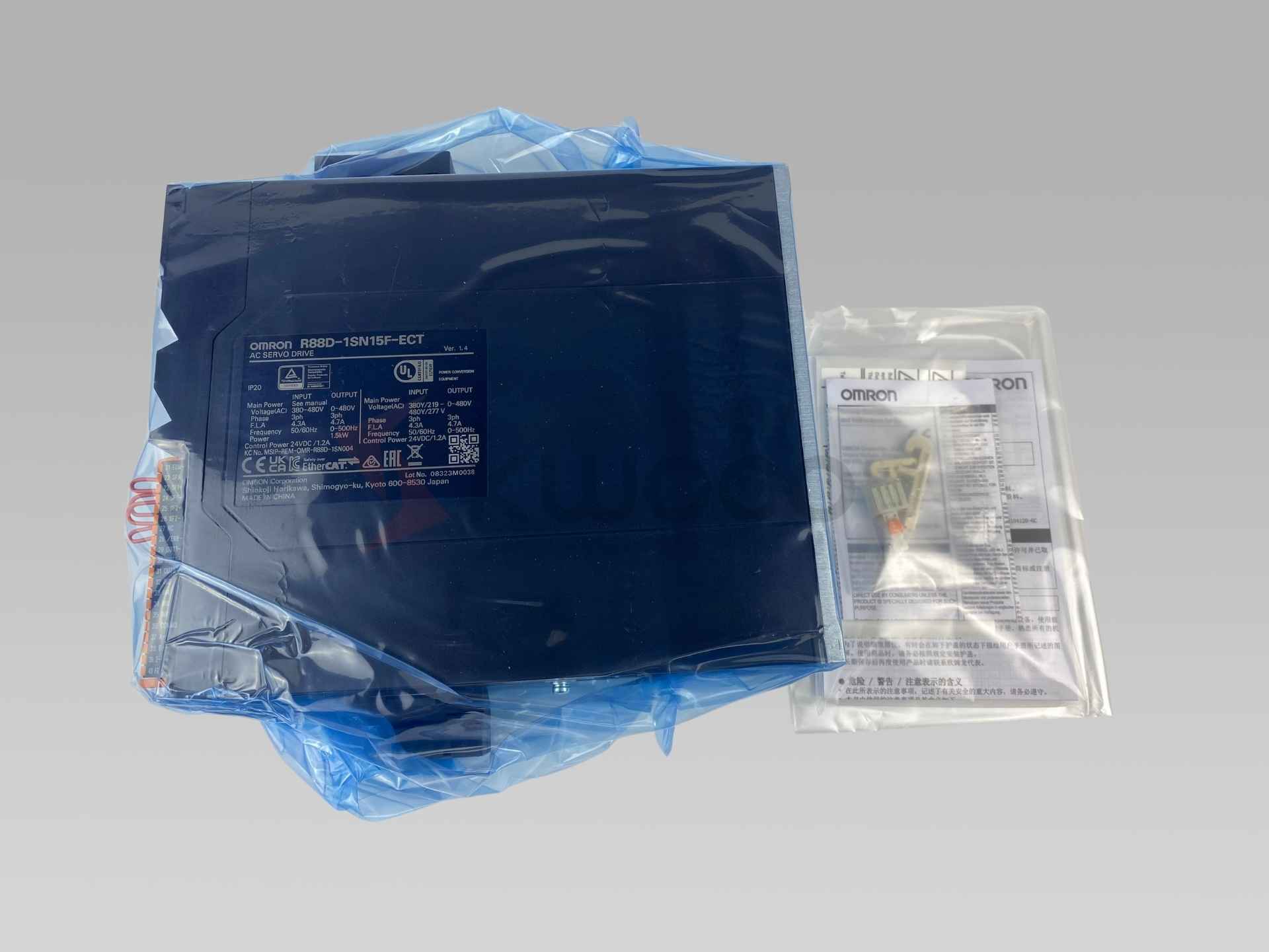
Servo drive model: usually starts with R88D
Servo motor model: usually starts with R88M
A buyer may only send the drive model, but for accurate confirmation, the motor model is often just as important.
3. Choose the Right Omron Servo Series
Omron has different servo families, and the correct choice depends on the machine generation, controller platform, and application requirements.
For modern Omron motion systems, the 1S Series is widely used for advanced machine control. Omron describes the 1S servo system as designed for improved machine design, installation, commissioning, and maintenance, with features such as high-resolution encoder, battery-free absolute multi-turn encoder, improved loop control, and built-in safety functions.
The 1S Series covers a power range from 50 W to 15 kW, and includes a 23-bit high-resolution encoder and battery-free absolute multi-turn encoder.
The G5 Series is another important Omron servo family. It is often found in existing equipment and replacement projects. G5 drives are available in different command types, including EtherCAT communication and analog/pulse models. Omron’s G5 analog/pulse drive family includes models with rotary motors from 50 W up to 15 kW and full closed-loop encoder support.
In simple terms:
Use 1S Series when you are working with newer Omron Sysmac-based machines, EtherCAT motion control, high-resolution feedback, and modern safety requirements.
Use G5 Series when you are replacing existing G5 systems, maintaining older equipment, or working with analog/pulse control applications.
Use the exact existing model when the machine is already running and you only need a replacement. In maintenance, compatibility is more important than “upgrading” casually.
4. Check the Control Method
This is one of the most important points.
A servo drive must match the controller’s command method. If the control method is wrong, the drive may power on, but it will not work with your PLC or motion controller.
Common control methods include:
EtherCAT
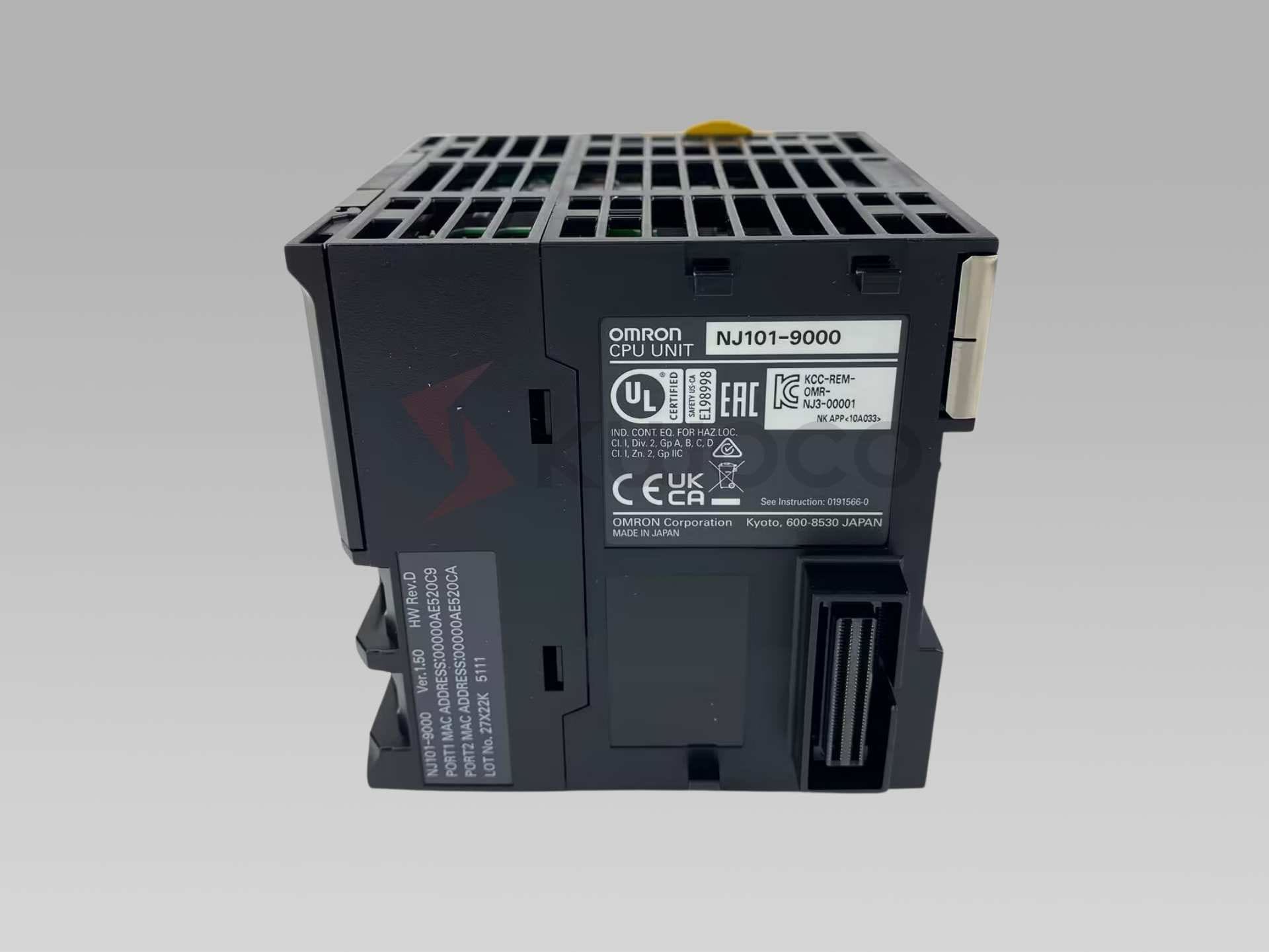
This is common in newer Omron motion systems, especially when using NJ/NX machine controllers and Sysmac Studio. It is suitable for synchronized multi-axis control and high-performance machine automation.
Pulse train input
This is common in many traditional PLC positioning applications. The controller sends pulse and direction signals to the servo drive.
Analog input
This is often used for speed or torque control in some older or special systems.
Before choosing a drive, check what output your controller provides. An EtherCAT servo drive cannot simply replace a pulse-input drive unless the control system is also changed.
For example, Omron’s 1S servo drives are available with built-in EtherCAT communication, while G5 models include analog/pulse drive options.
This is why model suffixes matter. Two servo drives may look similar in power rating, but their command interface can be completely different.
5. Match the Power Supply Voltage
Power supply is another area where buyers often make mistakes.
Omron servo drives may be designed for different input voltages, such as 100 VAC, 200 VAC, 400 VAC, or 480 VAC depending on the region and model series.
For example, Omron’s 1S EtherCAT lineup includes single-phase 100 VAC models, single-phase/three-phase 200 VAC models, three-phase 200 VAC models, and three-phase 400 VAC models across different power ratings.
If your machine panel is designed for 200 VAC, do not select a 400 VAC drive just because the power rating looks correct. The voltage class must match the machine’s electrical design.
Always check:
Input voltage
Single-phase or three-phase supply
Rated output power
Regional voltage standard
Control cabinet design
Existing wiring and protection devices
For replacement, the safest method is to match the original voltage class exactly.
6. Select the Correct Output Power
Servo drive power is usually selected according to the servo motor power.
A 400 W motor generally requires a compatible 400 W drive. A 1.5 kW motor requires a compatible 1.5 kW drive. But this does not mean power is the only thing to check.
You also need to consider:
Peak torque requirement
Acceleration and deceleration time
Load inertia
Duty cycle
Regeneration energy
Mechanical friction
Vertical load conditions
Safety margin
A common mistake is choosing a drive only by motor wattage while ignoring peak load conditions. The system may run during testing but fail during fast acceleration, emergency stop, or continuous production.
If the machine has frequent start-stop cycles, high inertia, or vertical lifting motion, the selection should be reviewed more carefully.
7. Check Encoder Type and Feedback Requirements
The encoder is the feedback device that tells the servo drive the motor position and speed.
For positioning applications, encoder compatibility is critical.
Omron’s 1S Series includes a 23-bit high-resolution encoder and battery-free absolute multi-turn encoder, which helps simplify maintenance because no battery backup is required for absolute position retention.
For older systems, you may also see incremental or absolute encoder configurations depending on the motor series.
Before choosing a drive, confirm:
Is the motor incremental or absolute?
Does the system need absolute positioning after power-off?
Is a battery required?
Does the existing controller expect absolute position data?
Is the encoder cable compatible?
If you are replacing a drive in an existing machine, do not change the encoder type casually. It may affect homing, positioning, and controller settings.
8. Decide Whether a Brake Is Required
A motor brake is not used to stop the motor during normal motion. It is mainly used to hold the axis when power is off or when the servo is disabled.
Brake motors are common in:
Vertical axes
Lifting mechanisms
Z-axis applications
Holding fixtures
Robots or handling systems
Machines where load drop is dangerous
If your axis is vertical, you should pay special attention to the brake requirement.
A non-brake motor may be cheaper, but it can be unsafe or unsuitable for vertical loads. A brake motor also requires correct wiring and drive configuration.
When replacing an existing system, check whether the motor model includes a brake option. Do not assume the brake is optional just because the machine “usually stops by servo control.”
9. Review Safety Requirements
Safety is becoming more important in modern machine design.
For many applications, Safe Torque Off, or STO, is now a common requirement. Some machines also require more advanced safety functions depending on the machine risk assessment.
Omron states that the 1S Series includes built-in safety functions, including hardwired Safe Torque Off and safety over EtherCAT using FSoE.
Omron also released 1S Series AC servo systems with safety functionality that provide eight safety functions satisfying PLe/SIL3 level requirements.
For simple machines, STO may be enough. For more advanced machines, especially packaging machines, robotics, material handling, or equipment sold into Europe, safety functions should be checked carefully.
Do not choose a servo drive only by power rating if the machine requires a certified safety function.
10. Do Not Forget Cables and Connectors
A servo drive is rarely used alone.
You may also need:
Power cable
Encoder cable
Brake cable
I/O connector
Communication cable
Battery or battery-less encoder accessories
Regeneration resistor
Noise filter
Reactor
Mounting accessories
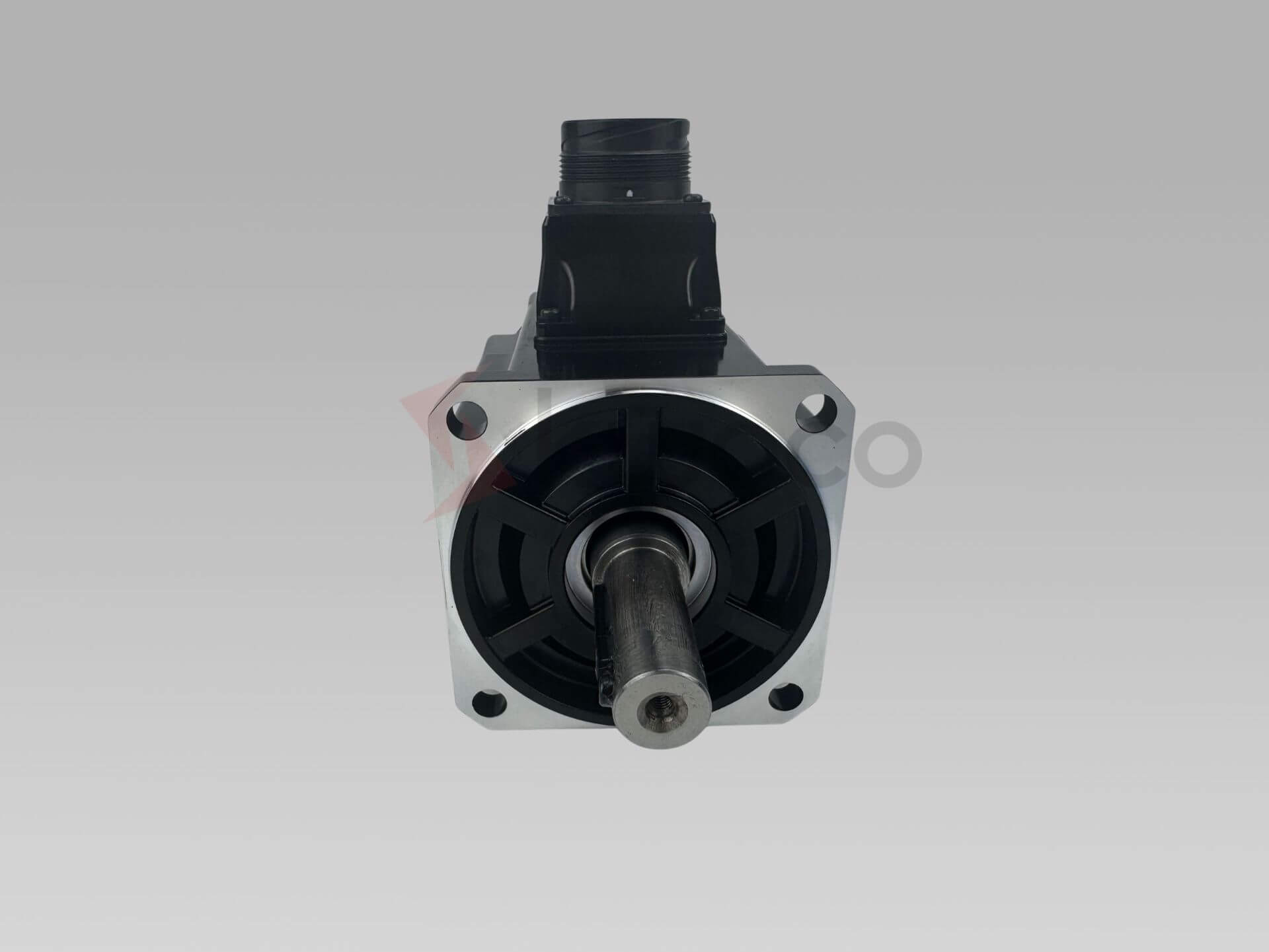
For replacement projects, cables can become a hidden problem. A new drive may not accept the old cable connector, especially if you are changing from one series to another.
Before ordering, confirm whether you are buying only the drive or the full servo set.
For urgent maintenance, replacing only the failed drive may be enough. For a new machine build, it is better to prepare the motor, drive, cables, and related accessories together.
11. Check Regeneration Requirements
Regeneration happens when the motor decelerates or when a vertical load drives the motor back. The energy returns to the drive. If the regenerated energy is too high, the system may need a regeneration resistor.
Applications with higher regeneration risk include:
Vertical axes
Large inertia loads
Fast deceleration
Frequent start-stop motion
Rotary tables
Long-stroke positioning systems
If regeneration is ignored, the machine may trigger overvoltage alarms or stop unexpectedly during operation.
When the application has heavy load or frequent deceleration, check whether an external regeneration resistor is required.
12. Consider the Working Environment
Servo drives are installed inside control panels, but the environment still matters.
Check the following:
Ambient temperature
Humidity
Vibration
Dust
Oil mist
Corrosive gas
Panel ventilation
Installation spacing
Grounding and noise control
For example, Omron’s 1S general specifications include operating ambient temperature from 0 to 55°C and humidity up to 90% max, with no condensation.
Do not install a servo drive in a crowded cabinet without enough heat dissipation. Even if the model selection is correct, poor installation can shorten service life.
13. Be Careful with Replacement and Discontinued Models
Many buyers search for Omron servo drives because an old machine has stopped, and the original drive is hard to find.
In this situation, do not rush to buy the “closest-looking” model.
Check:
Exact drive model
Exact motor model
Input voltage
Output power
Control method
Encoder type
Brake option
Firmware or parameter compatibility
Mounting size
Cable compatibility
Controller model
Machine program requirements
Some replacement models may require parameter changes or cable changes. Some may not be direct replacements at all.
If production is stopped, the fastest solution is often to find the same original model in stock. If the original model is discontinued or unavailable, then a replacement plan should be checked with enough technical details.
14. Watch Out for Refurbished Servo Drives
Omron servo drives are used in many factories, so the market also has many used or refurbished units.
For some buyers, a cheap refurbished drive may look attractive. But in real engineering projects, the risk can be much higher than the savings.
Possible problems include:
Shorter remaining lifetime
Hidden alarm history
Unstable performance
Damaged terminals
Repaired internal boards
No reliable warranty
Wrong labels or changed parts
Failure after installation
For production machines, government projects, export equipment, or urgent maintenance, new original products are usually safer.
This is especially important for purchasing managers who need to protect their company from quality claims later.
15. A Practical Omron Servo Drive Selection Checklist
Before you confirm an Omron servo drive, check these points:
Servo motor model
Servo drive model
Rated output power
Input voltage and phase
Control method
Encoder type
Brake requirement
Safety function
Cable compatibility
Controller model
Application load
Regeneration requirement
Installation environment
New design or replacement project
Availability and delivery time
Warranty and product condition
If you can answer these questions clearly, the risk of choosing the wrong servo drive will be much lower.
16. Example: Choosing a Drive for a Packaging Machine
Let’s say you are building or maintaining a packaging machine.
The machine has several axes: feeding, cutting, sealing, and positioning. The motion needs to be accurate, fast, and repeatable. If the controller is an Omron NJ or NX system using EtherCAT, a 1S EtherCAT servo system may be a suitable direction.
But you still need to check each axis separately.
The feeding axis may need fast response.
The cutting axis may need precise synchronization.
The vertical axis may require a brake.
The high-inertia axis may need regeneration review.
The safety design may require STO or more advanced safety functions.
This is why one machine may use several servo drives with different power ratings, even though they belong to the same Omron servo family.
Good servo selection is not just product matching. It is application matching.
17. Common Mistakes When Choosing an Omron Servo Drive
One common mistake is choosing only by wattage.
A 750 W drive is not automatically correct just because the motor is 750 W. The series, voltage, command interface, and encoder must also match.
Another mistake is ignoring the controller.
If the PLC or motion controller outputs pulse signals, an EtherCAT-only drive will not be a direct replacement.
A third mistake is forgetting the motor brake.
This is especially risky for vertical axes. If the original motor has a brake, the replacement should be checked carefully.
Another common issue is buying the drive but forgetting cables.
For urgent projects, this can cause serious delays. The drive may arrive quickly, but the machine still cannot run because the cable is missing.
Finally, many buyers underestimate the risk of refurbished products.
Servo drives are precision motion components. A low price is not useful if the machine stops again after installation.
18. When Should You Ask a Supplier to Help Check the Model?
You should ask for help when:
The original model is discontinued
You only have the motor model
You only have the drive model
The machine uses an older Omron system
You are not sure about EtherCAT or pulse control
The axis has a brake
The project is urgent
You need a replacement but do not want to change wiring
You are buying for a customer’s machine and cannot take risks
A professional supplier should not only quote a price. They should help you check whether the model is suitable, whether the product is new and original, and whether the required accessories are available.
For purchasing teams, this saves communication time with engineers. For engineers, it reduces the risk of wrong parts arriving on site.

CNC Router vs Spindle: Which to Use?
This article dives deep into the crucial decision of choosing between a router and a spindle for your CNC machine. Whether you’re a seasoned manufacturer or new to CNC technology, understanding the differences between these two vital components is essential for optimizing your production processes. This comprehensive guide will compare spindles and routers, exploring their capabilities, advantages, and disadvantages to help you make an informed decision that aligns with your manufacturing needs and goals.
How to Choose the Right PLC for a Packaging Machine
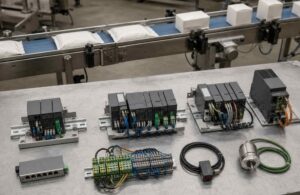
The right PLC for a packaging machine is not simply the fastest CPU or the model with the most I/O. It is the controller that can meet the machine’s worst-case response time, motion, safety, communication, expansion, and maintenance requirements without adding unnecessary complexity.
Allen-Bradley vs ABB: Which Is Best for Industrial Automation?
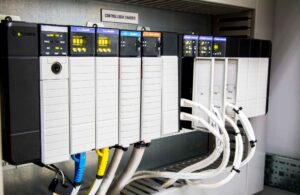
In the fast-evolving world of industrial automation, two names often stand out: Allen-Bradley and ABB. Both are giants in the industry, offering cutting-edge solutions like PLCs, VFDs, and controllers. But are they the same? This article delves into the intricacies of these two brands, comparing their offerings to help you make informed decisions for your control systems.