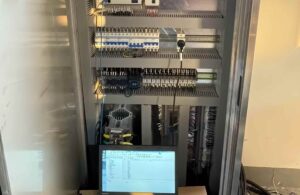
EasyAccess 2.0 HMI sin conexión: códigos de error y comprobaciones de conexión
Cuando EasyAccess 2.0 muestra un HMI como fuera de línea, comience con el estado y el código de error que se muestran en el propio HMI.

Cuando EasyAccess 2.0 muestra un HMI como fuera de línea, comience con el estado y el código de error que se muestran en el propio HMI.
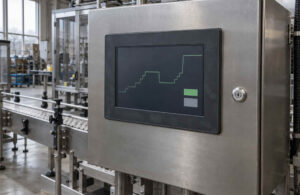
Cuando un Weintek HMI se actualiza lentamente, primero identifique dónde se retrasa el valor: dentro del PLC, durante la comunicación, en un
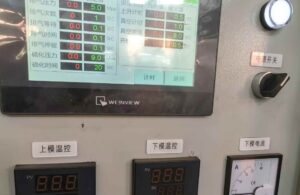
Cuando los botones, luces u objetos numéricos desaparecen de un Weintek HMI en tiempo de ejecución, verifique los datos detrás de esos objetos antes
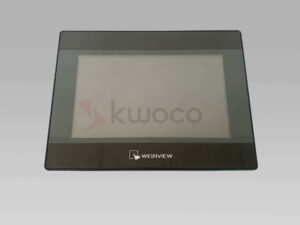
Previous Next Product Photo & Shipment Notes ✓ Actual product photos can be provided before shipment ✓ Model and quantity
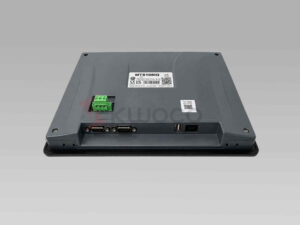
The MT8106iQ is a 10.1-inch WEINVIEW HMI with a 1024 x 600 TFT display, resistive touchscreen and Ethernet connectivity, designed
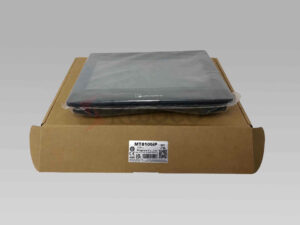
The MT8106iP is a 10.1-inch Weintek iP-series HMI with a 1024 x 600 wide-view display, quad-core RISC processor, Ethernet and
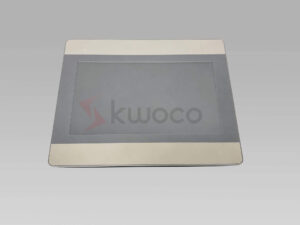
The MT8106iE is a 10.1-inch Weintek iE-series HMI with a 1024 x 600 color display, resistive touchscreen, Ethernet and flexible
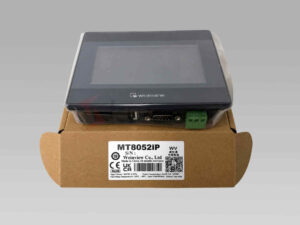
The MT8052iP is a compact 4.3-inch Weinview iP-series HMI featuring a resistive touchscreen, dual-core processor, Ethernet connectivity and flexible RS-232/RS-485
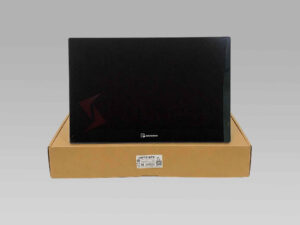
The cMT2167X is a 15.6-inch Weinview cMT X-series HMI featuring a Full HD wide-view display, 7H capacitive touchscreen, quad-core processor
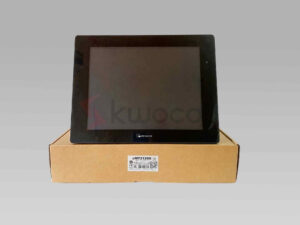
The cMT2129X is a 12.1-inch Weinview cMT X-series HMI with a 1024 × 768 wide-view display, quad-core RISC processor, dual