
The topic matters because the PLC still sits at the center of many factories, and the wider industrial automation market was valued at USD 256.02 billion in 2025 with a forecast of USD 613.25 billion by 2035, which shows how important smart control has become.
This article explains what a programmable logic controller does, how to choose among PLC types, and how to build a clean programme that is easy to run and maintain.
What is a PLC and why is it still the heart of automation?
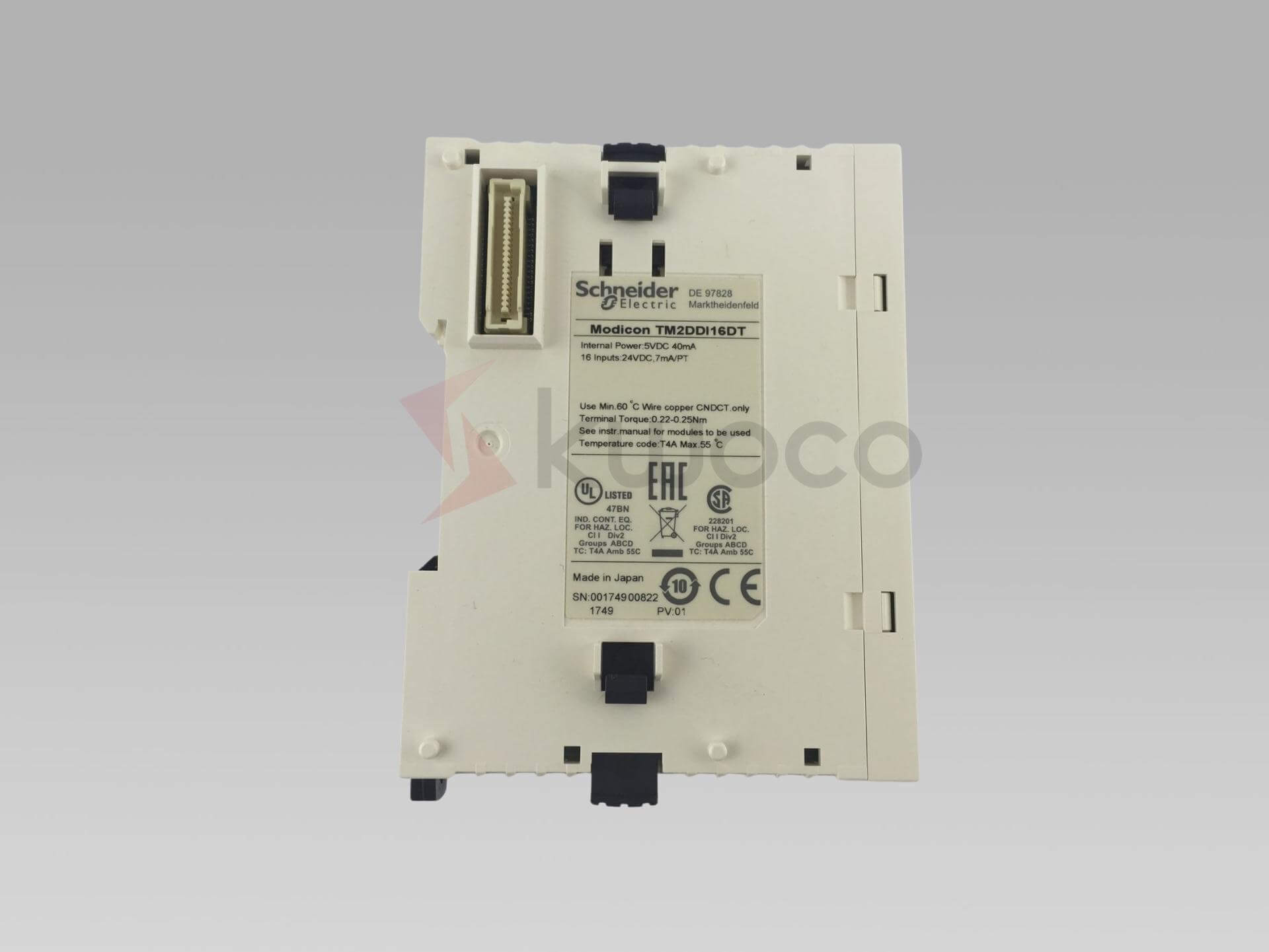
A programmable logic controller is a rugged controller built to watch signals, make decisions, and drive equipment in real time. In simple terms, it takes data from sensors or input devices, applies control logic, and sends commands to input and output devices so a motor starts, a valve opens, or an alarm sounds.
In my experience, a good PLC earns trust because it does boring work very well. It keeps a control system steady on a hot factory floor, inside a wet pump room, or in building automation where uptime matters more than flashy features.
The structure of the PLC is easy to picture once you break it apart: a cpu, memory, power supply, and each module that handles signals or communication. Common inputs and outputs include discrete AC, discrete DC, analog, and relay formats, which is why one PLC can serve both simple and mixed industrial processes.
A PLC may look like a small box but within the PLC sits the central processing unit that runs a fast scan again and again. The scan as four steps: read inputs, execute the program, perform diagnostics and communication, and update outputs.
That loop is the reason a PLC system feels dependable. Each specific action controlled by the code follows the same rhythm, so every action controlled by the PLC becomes predictable when the wiring and programme are sound.
“The first Modicon PLC model was called the 084.”
That history still matters today. Schneider Electric says the first PLC, the Modicon 084, dates to 1968 and replaced walls of hard-wired relay panels with a smaller modular controller, which was a major shift in industrial control.
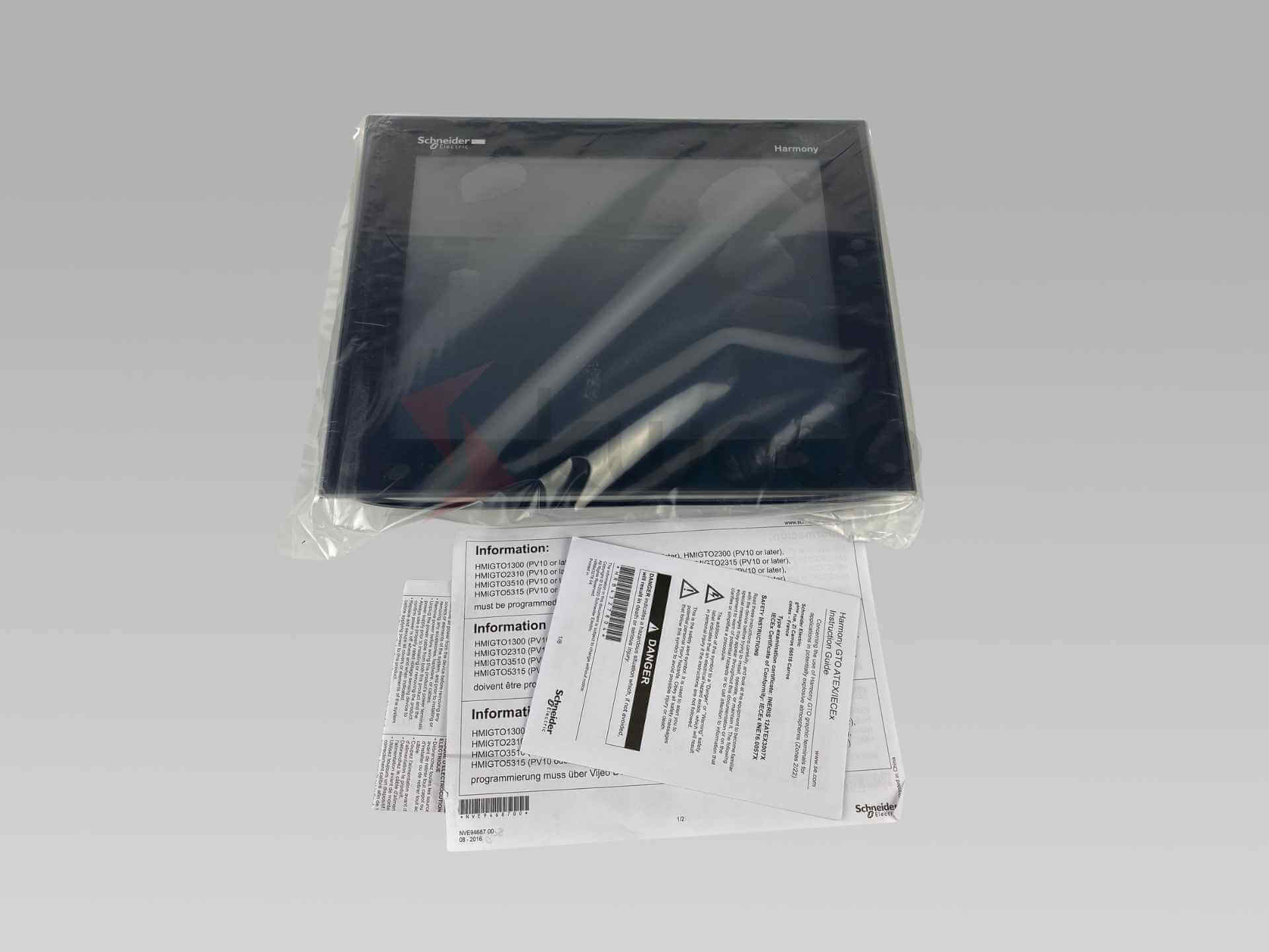
Operators usually interact with the PLC through an hmi, or human-machine interface, while larger plants may pass data to scada and supervisory control and data acquisition platforms.
In bigger sites, an industrial computer may sit above the controller layer and gather trends, alarms, and reports for managers and maintenance teams.
Which PLC types fit your control system best?
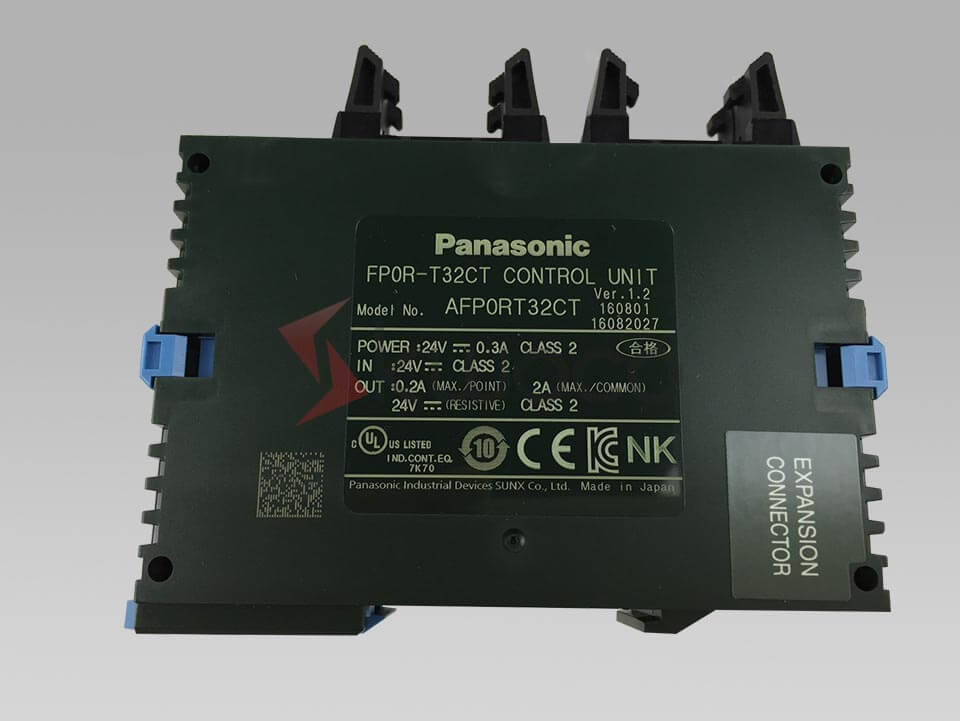
Not all PLCs fit the same job. Some PLC types are compact and fixed, some are modular so you can mix and match cards, and some are built as an all-in-one PLC for fast deployment when panel space is tight and the range of system requirements is clear.
Here is a practical way to think about types of PLCs:
| Type | Best fit | What you gain |
|---|---|---|
| Compact PLC | Small machines, pumps, conveyors | Lower cost, simpler wiring, fast startup |
| Modular PLC | Packaging, utilities, process skids | Flexibility and scalability, easy expansion |
| Advanced PLC | High-speed lines, data-heavy plants | More memory, stronger communication, better integration |
| All-in-one PLC | Retrofit panels, smaller OEM builds | Fewer separate parts, quicker setup |
I usually tell readers to start with the job, not the catalog. If your automation requirements are basic and stable, a compact unit works well. If the machine will grow, a modular design protects you from ripping out PLC hardware later.
Schneider Electric says its Modicon M340, introduced in 2007, was positioned as the first all-in-one PAC and included a native USB port, an SD card slot, plus Ethernet and Modbus ports on the cpu. That is a useful example of how an all-in-one PLC can reduce cabinet clutter and shorten install time.
An advanced PLC makes more sense when the line must link motion, recipes, alarms, and plant data in one place. In those cases, programmable controllers need high reliability, more memory, and better ways to connect upstream systems without turning every upgrade into a weekend fire drill.
You also need to think about the environment. A ruggedized unit is often the right pick for dust, vibration, or heat, while a microcontroller is better suited to embedded consumer products than harsh industrial processes.
How does PLC configuration turn parts into a working programme?
Good PLC configuration is more than clicking through menus. It starts with hardware configuration, continues with I/O mapping, and ends with communication configuration so the controller can see field devices, talk to the panel, and support development and maintenance over time.
I break PLC configuration into five steps:
- Choose the cpu and power supply.
- Add each module for digital and analog signals.
- Define inputs and outputs and label every point.
- Set the network, port, and communication protocols.
- Test, debug, and save the final programme.
This is where many projects win or lose. When you connect the PLC carefully and document every interface, future service becomes easier. When you skip naming, wire tags, or comments, the first fault call at 2 a.m. becomes a guessing game.
A clear diagram helps everyone. It shows how sensors, drives, valves, and hmis connect to the PLC control layer and how data moves to scada systems or other automation systems.
Communication choices matter too. A modern PLC system may use Modbus for simple data exchange, while older devices still show up through rs-232 or rs-485 links. When you plan communication protocols early, you avoid painful surprises during startup.
I’ve seen one pattern again and again. A PLC manufacturer may advertise speed, features, and shiny software, yet the safer choice is often the unit with the cleaner support network and clearer manuals.
If a brochure says it “offers several rugged PLC product lines” or even awkwardly claims it “offers several rugged PLC product” then look past the slogan and ask about spares, training, and long-term service.
As automation technology continues to blend with the industrial internet of things and industry 4.0 goals, clean configuration matters even more. You are not just wiring a box. You are building a stable control system that can grow without chaos.
Which programming language makes PLC programming easier?
The best programming language depends on the job and on the people who must maintain it. IEC 61131-3 defines instruction list, structured text, ladder diagram, function block diagram, and sequential function chart as core ways to build controller software.
For many electricians and technicians, ladder logic is still the fastest path into PLC programming because it feels familiar to relay logic.
Classic ladder execution is read from left to right and top to bottom, so each rung has a visual flow that is easy to trace during troubleshooting.
That is why the traditional PLC described in older training books still feels relevant. A graphical programming language can make a fault easier to spot than a dense block of code, especially when you need to debug a timer, interlock, or start-stop sequence on a busy machine.
Still, not every task belongs in ladder. Structured text is often better for math, data handling, and structured programming. FBD works well for reusable blocks, and a function block diagram can make process loops easier to read than raw contacts and coils.
A sequential function chart is useful when a machine has clear states such as idle, fill, heat, cool, and unload.
I usually recommend a blended style. Use ladder logic for field-facing control logic, use structured text for calculations, and use a small test programme before you release production code.
Good PLC programming software lets you simulate, monitor, and revise the logic without losing the thread of the machine.
That mix also supports better development and maintenance. A simple programme is easier to teach, safer to change, and kinder to the next technician who opens the file six months later.
7 Common Servo Motor Failures
7 Common Servo Motor Failures As a seasoned engineer with extensive experience in industrial automation, I’ve seen my fair share
What is PLC Ladder Logic and How Does it Work?
Programmable Logic Controllers (PLCs) are the backbone of industrial automation, and ladder logic is the most popular programming language used to instruct these PLCs. This article delves into the basics of ladder logic, demystifying how it works and why it’s essential for anyone interested in PLC programming to understand. Whether you’re a seasoned engineer or new to automation, this guide will enhance your knowledge and skills.

Troubleshooting Unresponsive Industrial Touch Screen Panels: A Comprehensive Guide
Is your industrial touch screen panel acting up? An unresponsive touch screen can halt production, create frustration, and cost your business valuable time and money. This article provides a comprehensive guide to troubleshooting common industrial touch screen issues. We’ll explore the reasons behind an unresponsive touch, the steps you can take to solve the problem, and when it’s time to call in the professionals. Learn how to ensure your industrial HMIs remain reliable and contribute to smooth manufacturing operations.