
You’ll learn what to check first, how to choose the right method, and how to prove the link is working before you touch the programme.
Why should you connect a PC to a PLC controller?
A good PLC link saves time in maintenance, startup, backup, and fault finding.
When I work on a line, I don’t treat the laptop as an extra. I treat it as the fastest way to see logic, monitor tags, make changes, and protect uptime.
Rockwell describes RSLinx Classic as a communication solution for Allen Bradley networks and devices, and it supports work that ranges from controller programming to HMI and data access tasks in Microsoft Office and other applications in its Getting Results Guide.
Siemens also gives the S7-1200 manual separate sections for communication, web server features, Modbus TCP, and online diagnostic tools, which shows how central connectivity is in real automation work.
What setup do PLCs and a PC need before connection?
Before you try to connect, slow down and do the boring checks. They matter most.
I start with model number, power status, cable type, programming package, and the exact method the machine builder used last time.
That simple habit prevents most wasted trips between the cabinet and the desk.
The Siemens S7-1200 System Manual warns that systems should be connected to an enterprise network or the internet only when necessary and with security measures such as firewalls or segmentation in place.
That means your first checklist should include not only speed and access, but also safety and cyber hygiene.
Here’s the field list I use before connecting PC hardware:
Confirm the PLC has power and is in the expected mode.
Check whether the machine uses ethernet, usb, or a legacy serial method.
Find the right communication cable and inspect it for bent pins or loose clips.
Open the online support page for the brand if the connector looks unfamiliar.
Confirm you have the suitable software and license on the old PC or current laptop.
If it is older gear such as an slc, check Windows for the correct comm port and serial port.
In my own work with Allen Bradley, Omron, and GE hardware, I use the same rule every time: identify the hardware first and the menu path second.
If you skip that order, you often load the wrong software, choose the wrong driver, and blame the device for a problem that started on the PC side.
How do you connect by ethernet, usb, or serial cable?
Most modern PLC projects use ethernet because it is fast, familiar, and easy to service. If the CPU has a built-in RJ45 interface, this is usually the cleanest way to connect to the PLC.
In a new panel, I often start via ethernet because it makes later service work easier for the next technician too.
Siemens includes steps for assigning addresses to programming devices and for assigning an ip address to a CPU online in the S7-1200 manual.
If the CPU is new or replaced, you may need to assign an ip before the PC and PLC can see each other on the same network. You also need to set the same subnet on both sides or the connection will never form even if the cable is perfect.
usb is common on compact units and service ports. It feels simple, and sometimes it is. Still, a USB path depends on Windows recognizing the device and loading the proper driver stack.
If the laptop is stubborn, I disable extra adapters for the first test and then enable only the one I want to use.
Legacy lines still use rs232 or similar serial links. A PLC via serial can be very stable, but only if both ends match.
The table below gives you a practical starting point:
If you are trying to connect and see one error, stop changing five things at once. Check power. Check the path. Check the address. Then test again. Fast guessing feels productive, but it usually burns the clock.

How do you configure the programme and verify the connection?
Once the wire path is right, open the programming software and build the logical path.
This is where many engineers rush. Don’t. The screen must match the hardware. The brand matters here because each application names things a little differently.
Rockwell says the quick start in RSLinx Classic begins with driver setup under Communications > Configure Drivers, and it explains that a driver is the interface used to communicate between RSLinx Classic and the processor.
Rockwell also says RSLinx Classic comes in four versions, and RSLinx Classic Lite supports direct programming tasks but not OPC or DDE.
If your workflow depends on a data server, that detail matters before you download anything.
On Siemens systems, the manual includes sections for creating a communication path, testing the PROFINET side, download tasks, and upload actions from the online CPU.
That is why I always verify the live target before I send a revised programme. One wrong target can ruin a good afternoon.
My normal sequence looks like this:
Open the project and confirm CPU family and firmware.
Configure the adapter and path in the vendor software.
Browse the target and compare nameplate data with what the project expects.
Use a simple command such as ping for Ethernet where allowed.
Go online and watch a few changing tags before edits.
Save a backup before changes.
This is also the moment to check the broader system. A running hmi can tell you the CPU is alive even when your laptop cannot yet communicate.
A healthy operator screen means the machine side is active. Your job is to align the PC, the path, and the permissions.
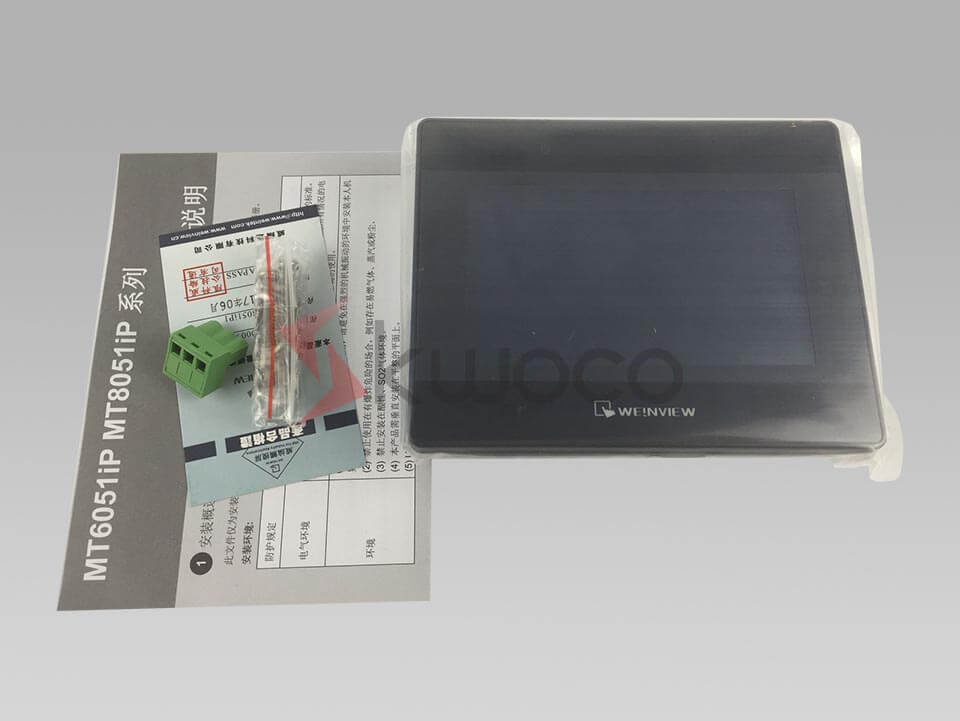
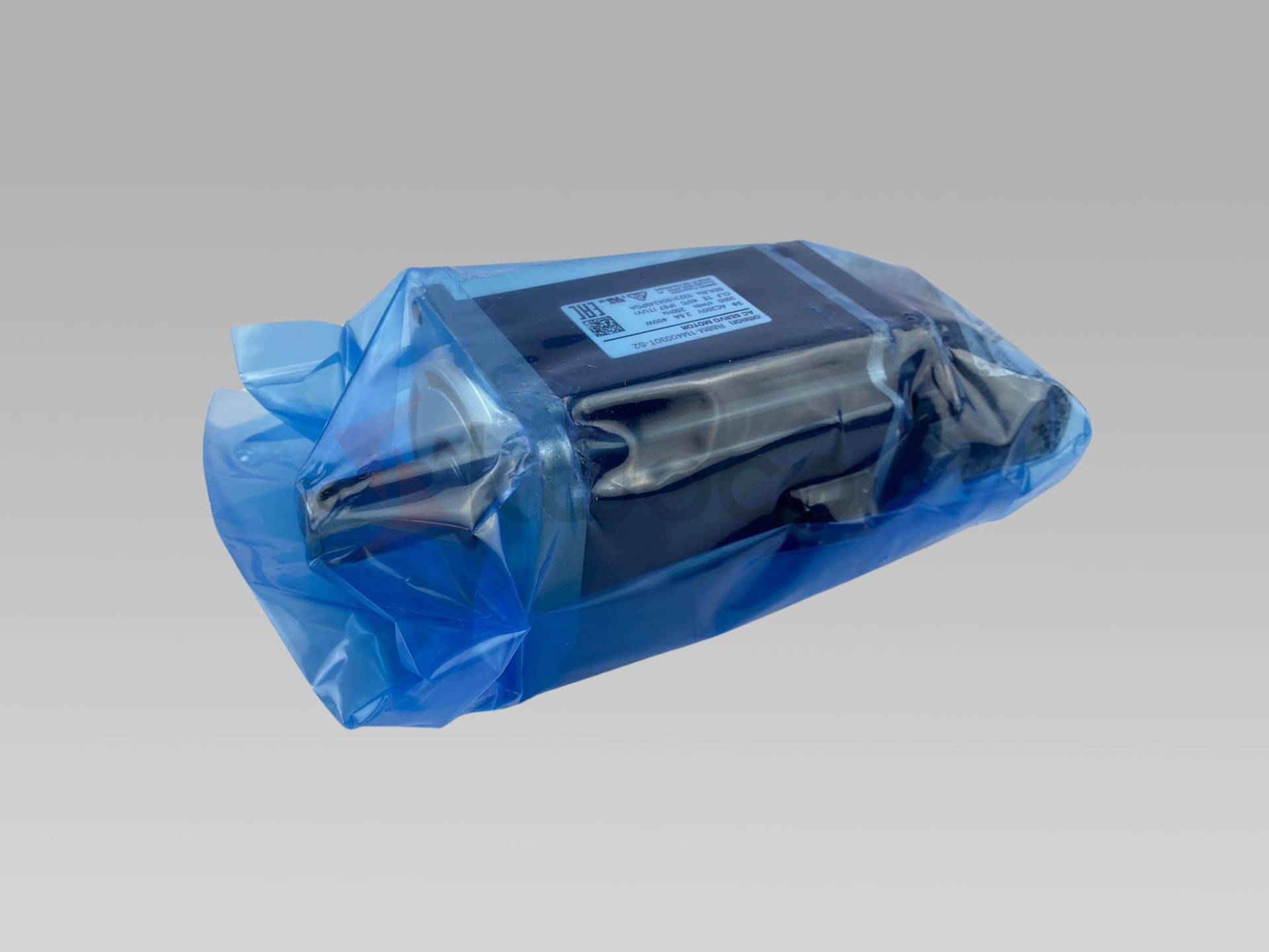

PLC Gateway Explained: Features, Applications, and Value Analysis
With the quick growth of the Industrial Internet of Things (IIoT), PLC gateways have actually become a necessary device for digital transformation in factories. This short article provides a thorough evaluation of the principle, core features, and application scenarios of PLC portals. It also consists of comparative data to help enterprises better comprehend their value in industrial automation.
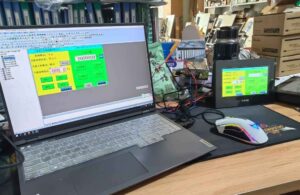
What is PLC Programming? An Introductory Tutorial on PLC Programming
In modern commercial production, PLC (Programmable Logic Controller) programs has actually turned into one of the essential automation innovations. PLCs are widely utilized in industrial automation control systems, and their performance, integrity, and versatility have actually efficiently replaced typical relay control systems.
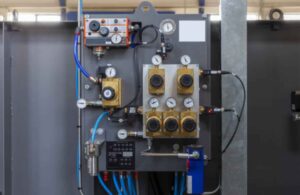
Everything You Need to Know About Pneumatic System Components
This article provides a comprehensive overview of pneumatic systems, a critical technology in industrial automation. We will delve into the intricacies of how these systems function, their key components, and their wide-ranging applications. Reading this will equip you with a thorough understanding of pneumatics, and why they are indispensable in today’s technological landscape.