
Upgrading a Weintek iE HMI to cMT X: Project, Resolution and Port Checks

A Weintek iE project can be migrated to a cMT X HMI in EasyBuilder Pro, but selecting a new model does not finish the replacement. The panel must fit, its ports must support the existing connections, and the converted project must behave correctly on the machine.
Weintek HMI Data Logging: Save Daily Production and Modbus Records
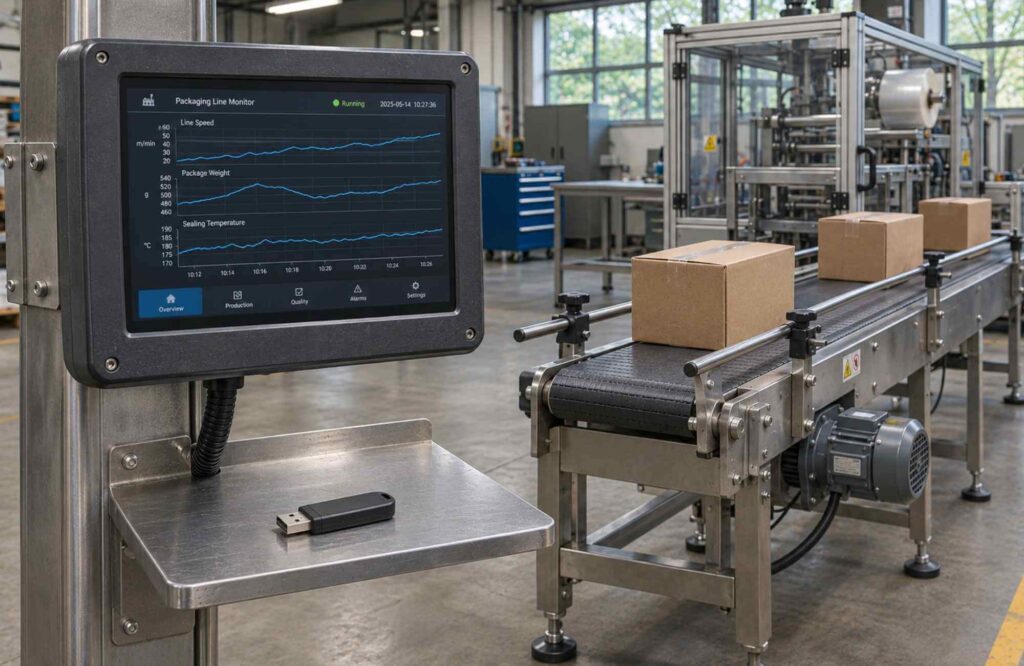
Weintek HMIs can collect production counters and Modbus values through EasyBuilder Pro’s Data Sampling function. To make those records useful beyond the screen, configure historical storage and a separate export process.
Weintek Modbus Values Are Wrong: Register Offsets, Data Types and Word Order
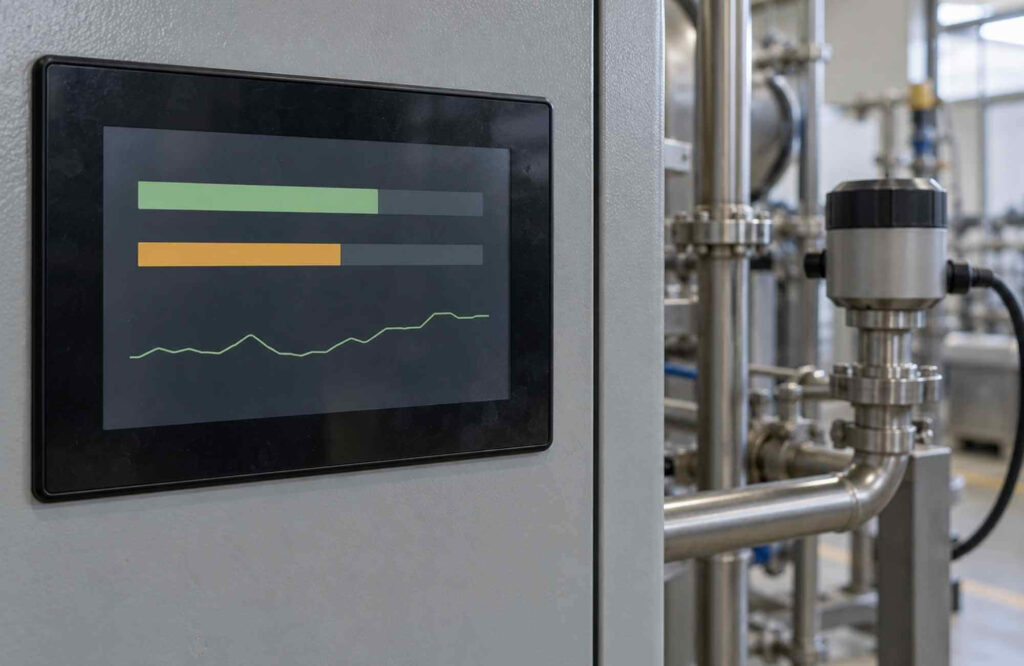
A temperature of 25.0 appears as 250. A negative reading becomes a number above 65,000. A floating-point value turns into an enormous integer. These symptoms can occur while Modbus communication is working.
Connecting a Weintek HMI to an Allen-Bradley Micro850: Driver and Addressing Checklist
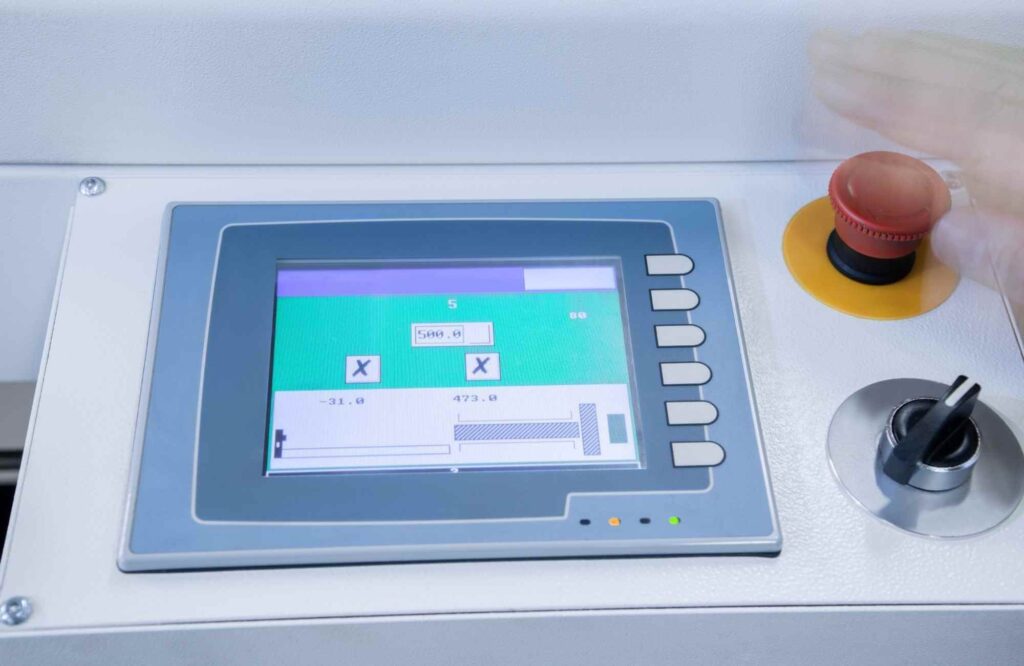
A Weintek HMI can communicate with an Allen-Bradley Micro850 over Ethernet using a dedicated Micro850 driver and symbolic tags. The connection depends on more than matching IP addresses: the HMI must request a variable the controller exposes, using the correct name and data format.
Machine Expert Basic Cannot Connect to a Modicon M221 via USB: What to Check
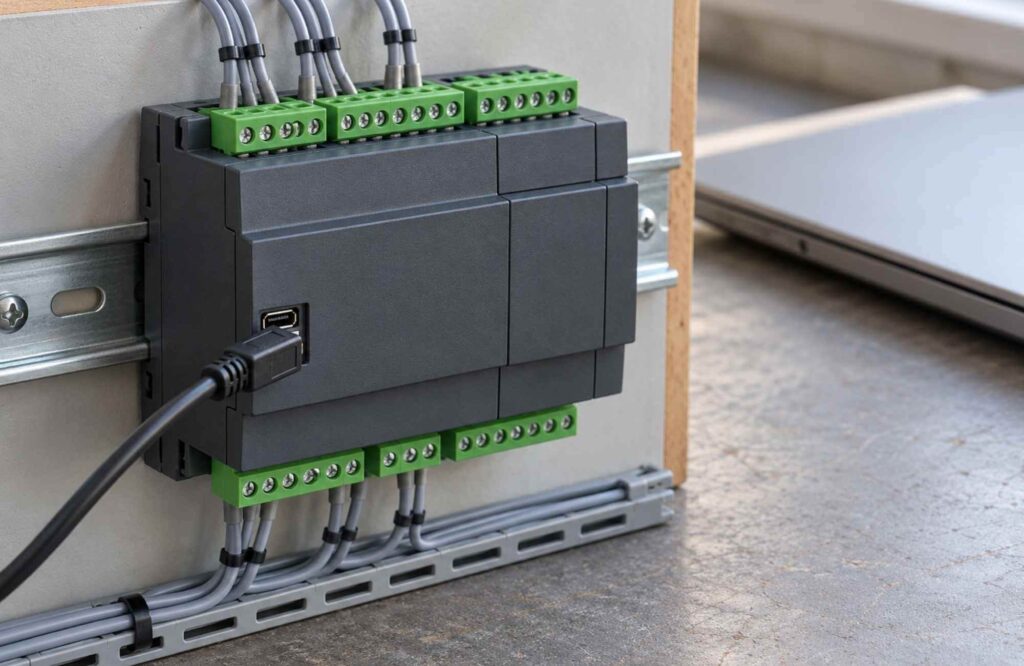
A USB cable is plugged into the M221, the laptop is beside the cabinet, and Machine Expert Basic still will not connect. Reinstalling everything is tempting. Before doing that, check where the connection actually stops.
GX Works3 Cannot Connect to an FX5U: Ethernet and Adapter Troubleshooting
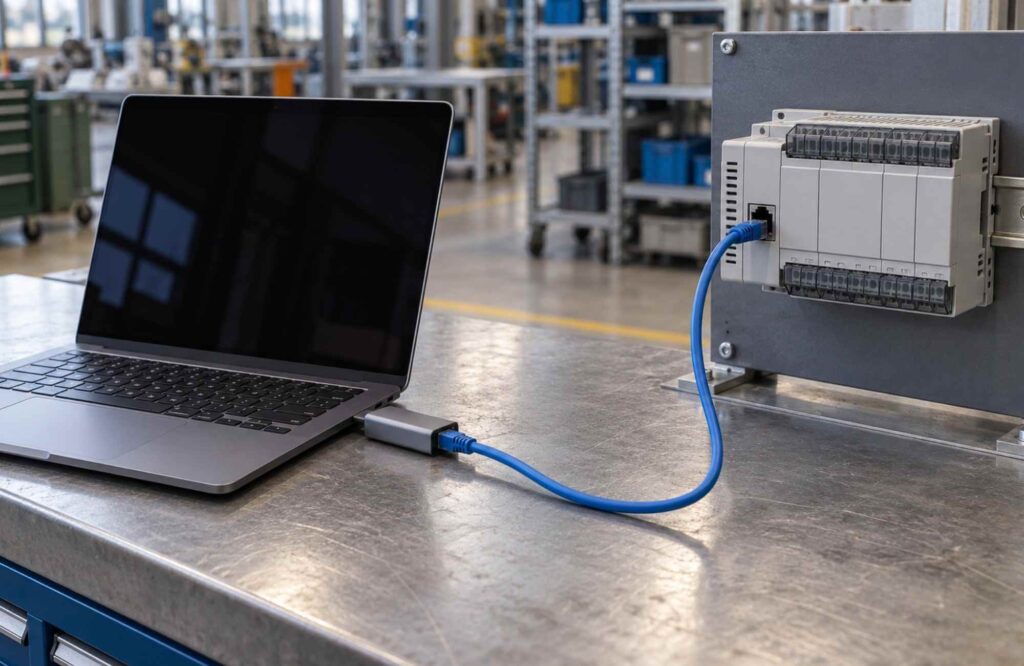
Before changing an FX5U’s parameters, establish which connection GX Works3 is trying to use. A laptop connected directly to the CPU needs a different setup from one connected through a machine switch. A USB-to-Ethernet adapter adds another detail: GX Works3 must use that network interface, even though it plugs into a USB socket.
ATV320 Shows RDY, nSt or STO but the Motor Will Not Run: What Each State Means
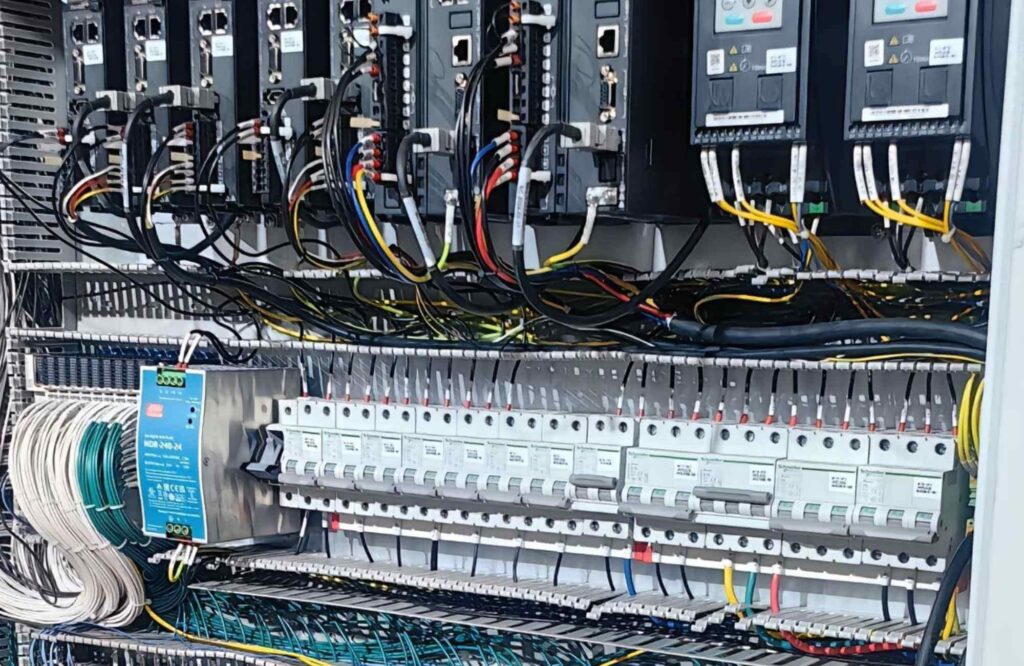
An ATV320 can have power, respond to the PLC and show no hardware fault while the motor remains stopped. The display helps explain why: RDY means the drive is waiting for a run command, nSt indicates a freewheel-stop state, and STO means Safe Torque Off is active.
Schneider ATV630 OCF and SCF3 Faults: How to Separate Load and Output-Circuit Problems
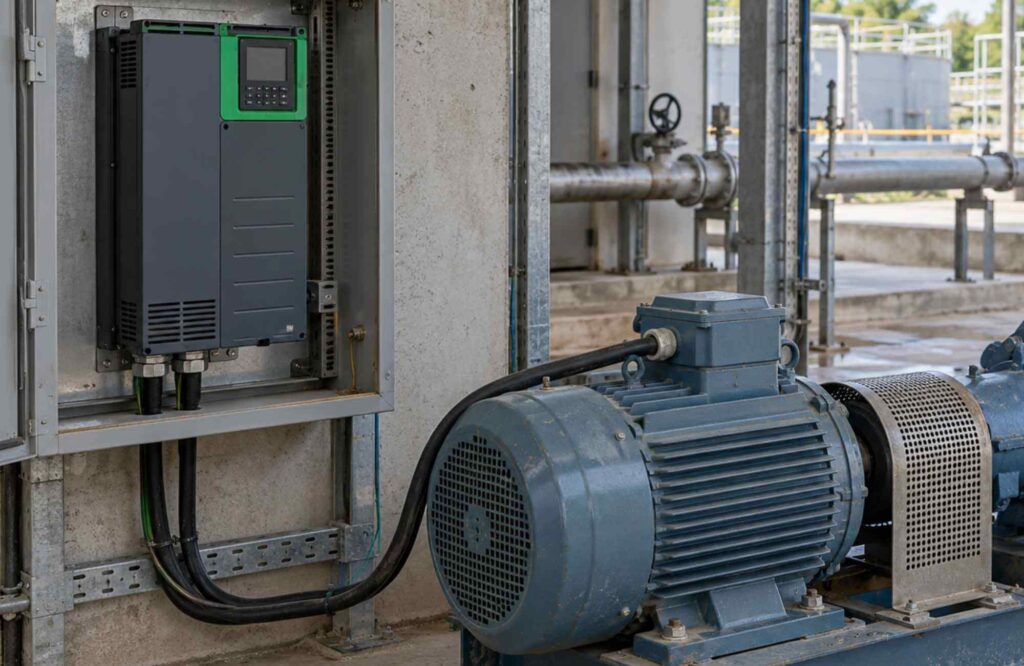
On a Schneider ATV630, OCF means overcurrent; SCF3 means ground short circuit. OCF directs attention toward motor configuration, mechanical demand and drive sizing. SCF3 directs attention toward the electrical path between the drive and motor, including insulation, connections and cable-related effects.
Schneider Lexium 32 A320 Following Error: What to Check Before Replacing the Drive
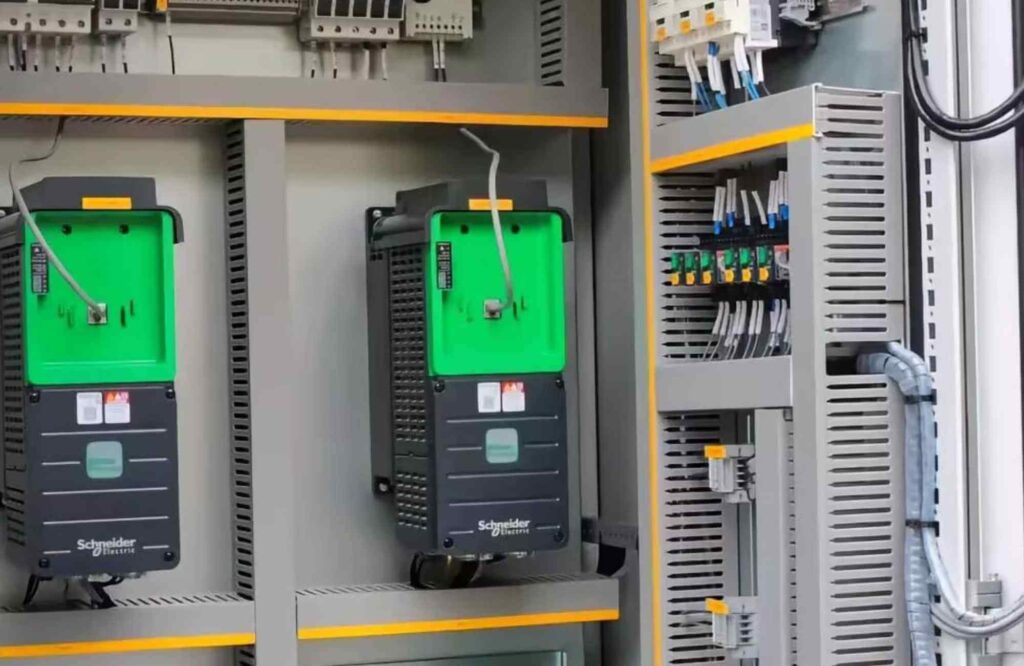
A320 means the axis has exceeded its permitted following error. It does not, by itself, tell you that the servo drive has failed.
Mitsubishi MR-J4 AL.50 and AL.51: Load, Brake or Servo Sizing Problem?
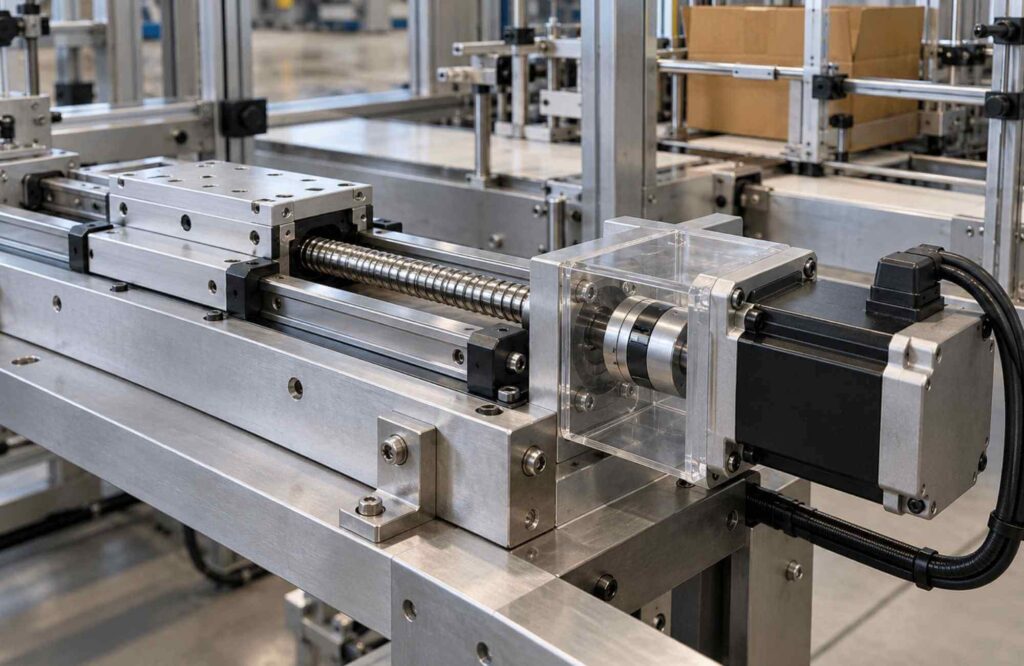
A machine that has run the same product for months suddenly trips on overload. Ordering a larger servo would be an expensive first response. Something may have changed in the mechanism, the brake sequence or the production cycle.